
Get b2b invoicing automation 2026 right
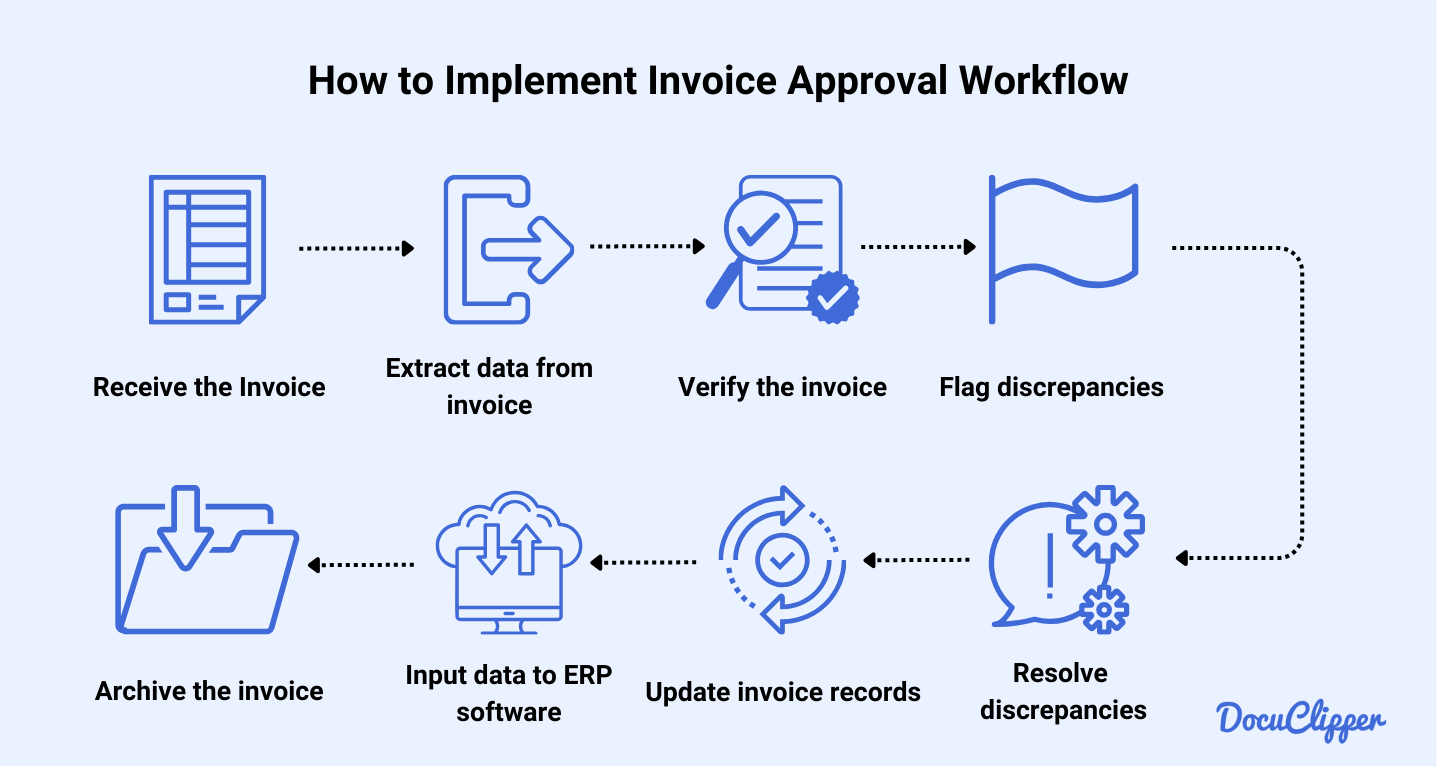
Before connecting any software, you need to map your current invoice flow. B2B invoicing automation fails when it tries to force a messy process into a digital box. Start by listing every step from purchase order to payment confirmation. Identify where paper, email attachments, or manual data entry currently breaks the chain.
Next, check your data hygiene. Automation tools rely on clean, structured data. If your vendor master file contains duplicate entries or missing tax IDs, the system will flag errors or reject invoices. Cleanse your data before you buy. This step takes time but prevents costly reconciliation headaches later.
Finally, verify compliance requirements. Many regions now mandate e-invoicing formats like Peppol or local government standards. Ensure your chosen platform supports these formats natively. Ignoring this can lead to rejected invoices and delayed payments. A quick audit of your AP team’s workflow and data quality saves weeks of rework.
Work through the steps
Setting up AI-powered B2B invoicing requires a structured approach to ensure stable invoice generation and smooth cash flow. The goal is to move from manual data entry to automated, validated, and dispatched invoices with minimal human intervention.
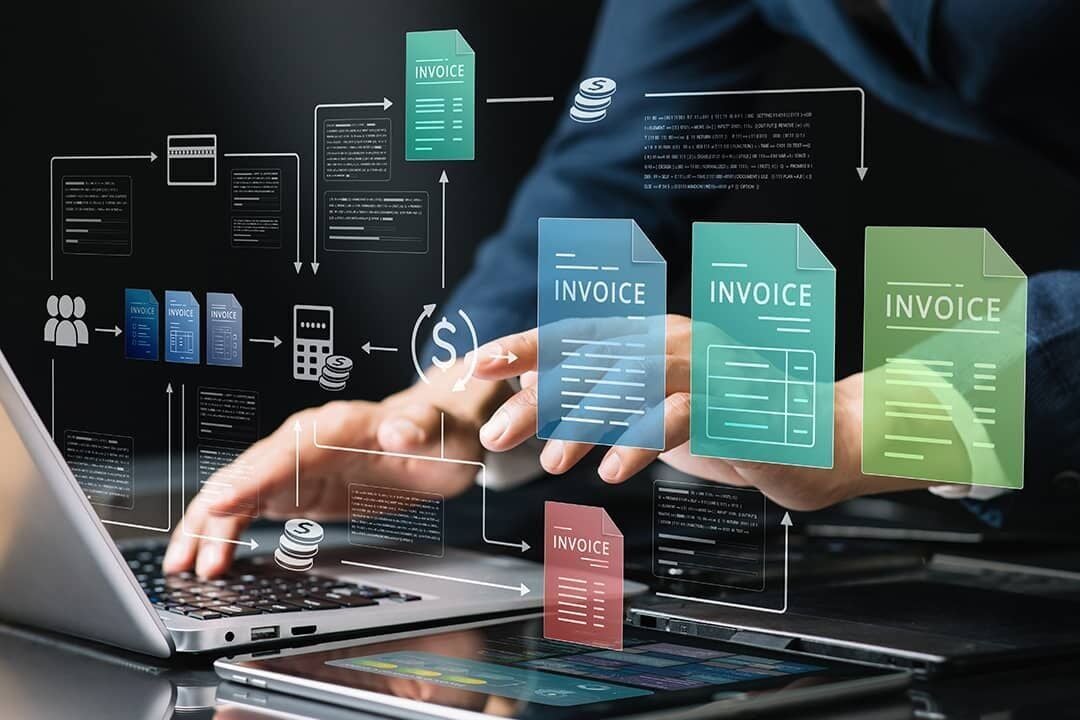
Start by documenting every stage of your current invoicing process. Identify where delays occur, which data points are manually entered, and where errors typically happen. This baseline helps you determine which parts of the workflow need automation first. Look for bottlenecks in approval chains or data retrieval from ERP systems.
Choose a platform that integrates with your existing accounting software and supports AI-driven features like data extraction and anomaly detection. Prioritize tools that offer stable invoice templates and automated validation rules. Ensure the platform can handle your volume and supports the specific B2B payment methods your clients prefer.
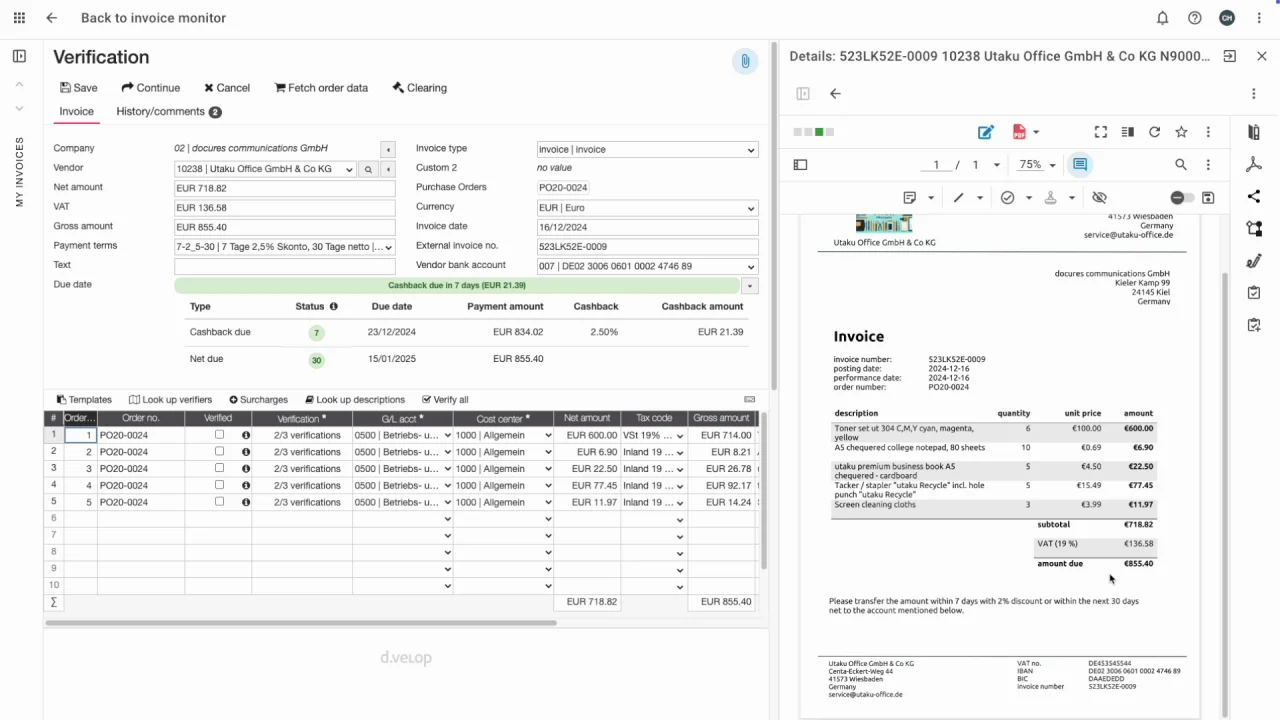
Set up AI models to automatically pull data from purchase orders, contracts, and delivery receipts. Train the system on your specific document formats to improve accuracy over time. Validate the extracted data against your master records to catch discrepancies before they become invoices. This step reduces manual entry errors and speeds up the creation process.
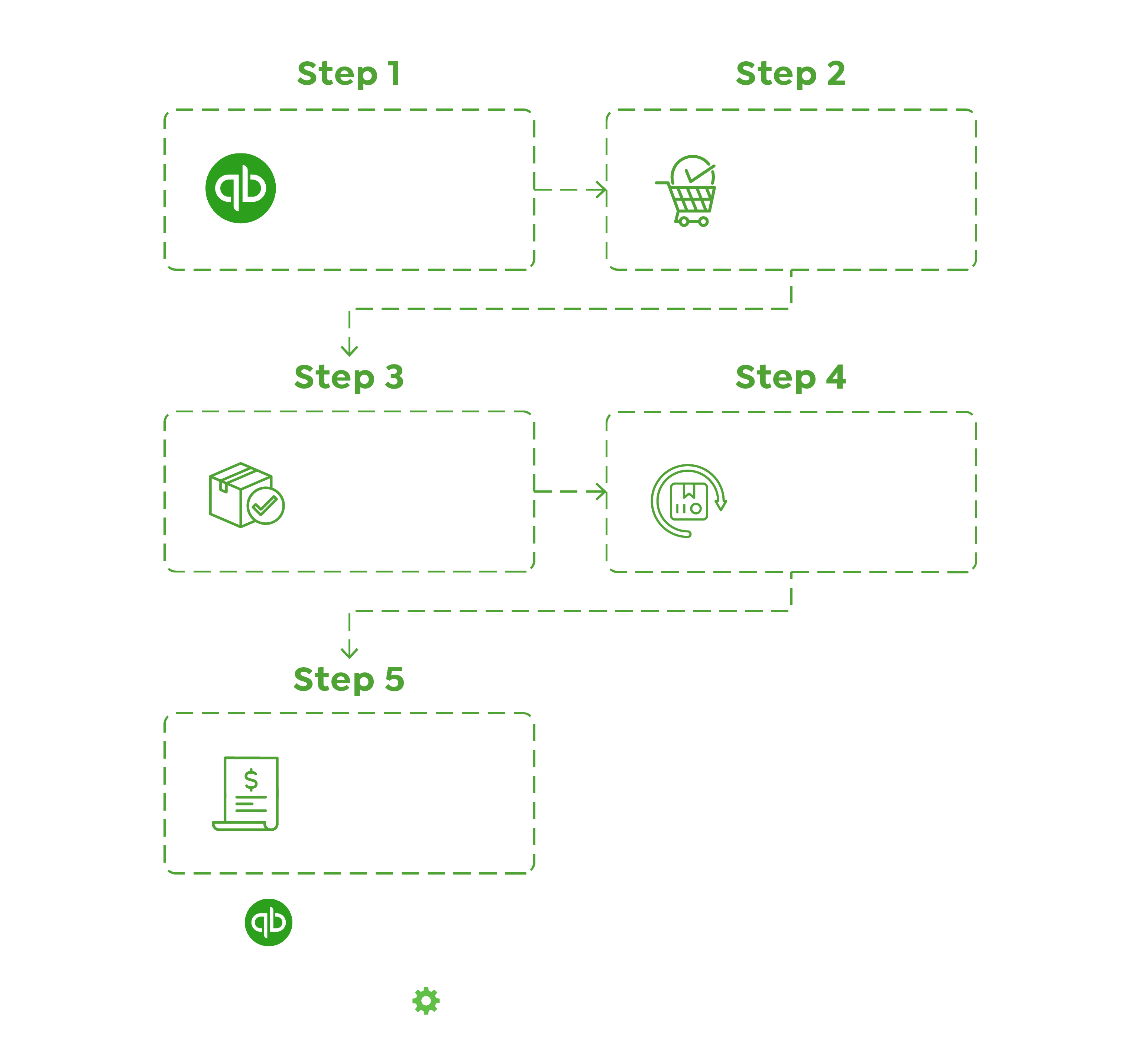
Define clear approval hierarchies based on invoice amount or department. Configure the system to route invoices automatically to the appropriate approvers. Set up notifications and reminders to prevent delays. Ensure that approvers can view supporting documents and approve or reject invoices directly within the platform.
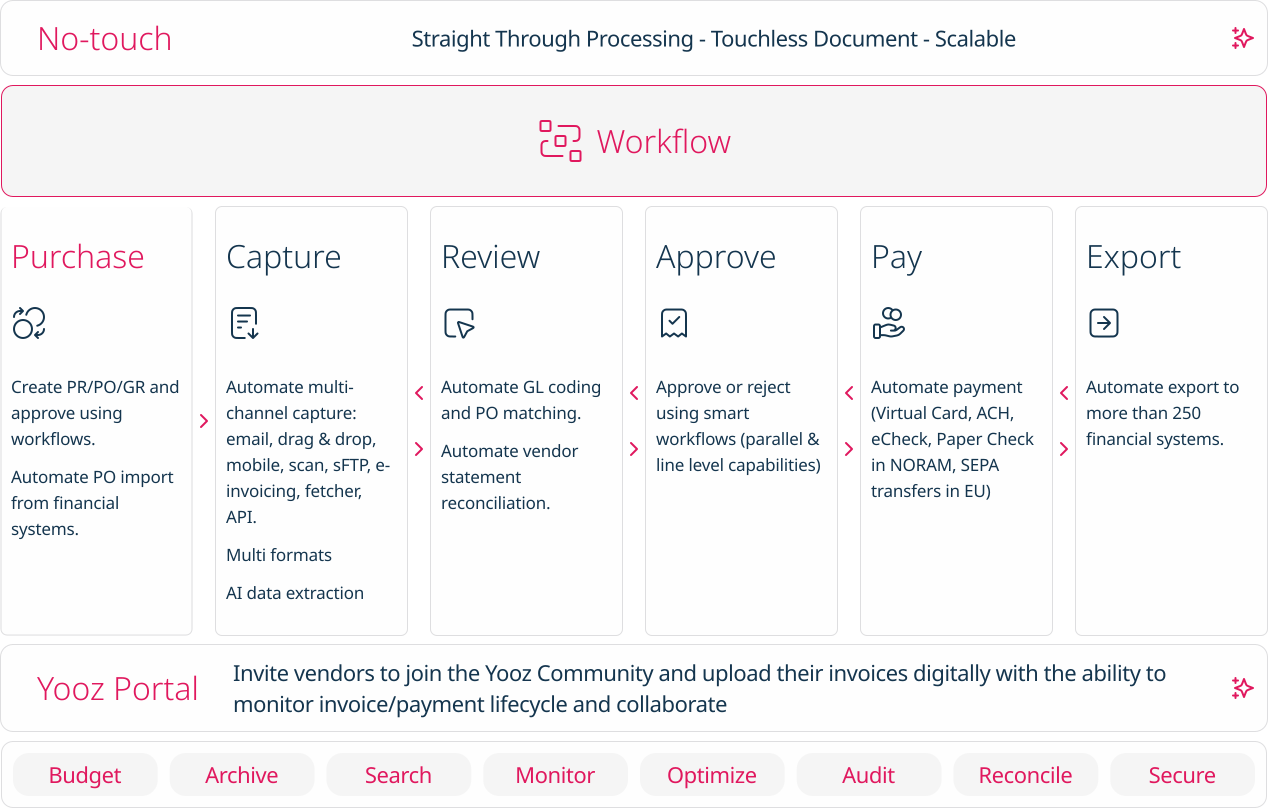
Once approved, the system should automatically generate the final invoice in the required format (PDF, EDI, or XML) and dispatch it to the client via email or a client portal. Ensure that the invoice includes all necessary legal and tax details. Track delivery status and confirm receipt to maintain a clear audit trail.
Connect your invoicing platform to your preferred payment processors. Enable options for clients to pay directly from the invoice, such as bank transfers, credit cards, or digital wallets. Automate payment reconciliation to update your accounts receivable ledger in real time. This integration reduces the time between invoice dispatch and cash receipt.
Regularly review key metrics like days sales outstanding (DSO), invoice processing time, and error rates. Use AI analytics to identify trends and areas for improvement. Adjust approval rules, data extraction models, or payment options based on performance data. Continuous optimization ensures your invoicing system remains efficient and adapts to changing business needs.
Common Mistakes That Break Stable Invoice Automation
Even with AI handling the heavy lifting, human error in setup or maintenance can derail your cash flow. Stable Invoice relies on clean data and precise configuration. If you treat automation as a "set and forget" tool without establishing proper guardrails, you will likely encounter rejected payments, delayed receivables, or compliance issues.
Here are the most frequent pitfalls and how to avoid them.
Skipping Validation Before Go-Live
Many teams rush to launch automation without testing edge cases. AI models are powerful, but they need clear boundaries. If you do not validate your data mapping against a diverse set of historical invoices, the system may misinterpret ambiguous fields like "PO Number" or "Line Item Descriptions." This leads to mismatches when the invoice hits your ERP.
Run a parallel test for at least two weeks. Compare the AI-generated data against manual entries. If the accuracy rate is below 95%, adjust your field mappings before going live. Do not rely on the default settings provided by the vendor.
Ignoring Exception Handling Workflows
Automated systems should not operate in a vacuum. When the AI encounters an invoice it cannot confidently process, it must flag it for human review. If you disable exception handling to save time, you risk approving incorrect payments or missing critical discrepancies. This is especially dangerous for large B2B transactions where a single digit error can mean thousands of dollars lost.
Configure your system to route low-confidence invoices to a dedicated AP team member. Ensure this workflow is visible in your dashboard so no flagged invoice gets lost in the shuffle. Treat exceptions as training opportunities for your AI model, not as failures.
Neglecting Regular Audit Trails
Compliance and transparency require a complete audit trail. If your Stable Invoice setup does not log every change, approval, and payment status, you will struggle to reconcile accounts during month-end close. Auditors and finance teams need to trace exactly how an invoice was processed and why certain decisions were made.
Enable detailed logging for all invoice interactions. Ensure your system exports these logs in a format compatible with your accounting software. Regular audits of these logs help identify patterns in errors and improve your AI model's accuracy over time.
B2b invoicing automation 2026: what to check next
Choosing the right automation platform requires looking past marketing claims. Here are the practical answers to the most common questions about B2B invoicing automation in 2026.
No comments yet. Be the first to share your thoughts!