Get b2b invoice automation 2026 right
Before connecting your accounting software to a payment gateway, pause to audit your current data hygiene. Automation amplifies existing errors; if your vendor master file contains duplicate entries or inconsistent tax codes, the system will simply process those mistakes faster.
Start by standardizing your invoice formats. Many B2B transactions still rely on PDF attachments or email chains, which require manual data entry. Transition to structured formats like XML, EDI, or JSON. These machine-readable files allow your automation platform to extract line items, due dates, and amounts without human intervention.
Next, define your approval workflows. Not every invoice needs the same level of scrutiny. Set clear thresholds for automated approval—such as routine subscription payments under $500—while routing exceptions to finance managers. This reduces bottlenecks and ensures that your team focuses only on discrepancies.
Finally, verify integration capabilities. Ensure your chosen platform can sync bidirectionally with your ERP or accounting system. One-way integration creates reconciliation nightmares, forcing staff to manually match payments in two separate systems. A seamless sync guarantees that your cash flow data remains accurate in real-time.
Work through the steps
Automating B2B invoicing isn't just about replacing spreadsheets; it's about removing friction from your cash flow. When you reduce Days Sales Outstanding (DSO), you free up working capital that can be reinvested immediately. The goal is to move from manual data entry to a system that validates, sends, and tracks invoices automatically.
Here is the practical sequence to set up a stable, automated invoicing workflow.
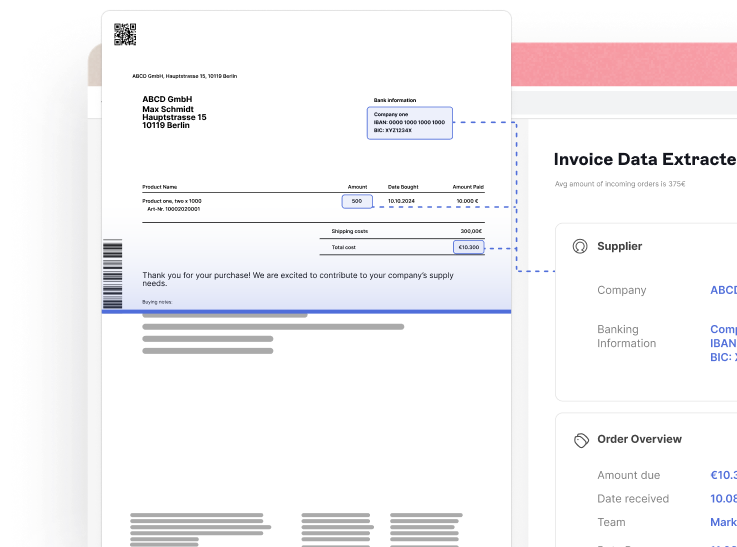
Start by documenting every touchpoint in your current process. Where do invoices originate? Who approves them? How are they sent? Identify the bottlenecks that cause delays, such as manual email forwarding or missing purchase orders. This baseline helps you target the specific inefficiencies that inflate DSO.
Inconsistent formatting causes confusion and payment delays. Create a single, clean template that includes all necessary legal and payment details. Define mandatory data fields—such as PO numbers, item codes, and tax IDs—so that every invoice generated is complete and compliant from the start. This reduces back-and-forth queries from accounts payable teams.
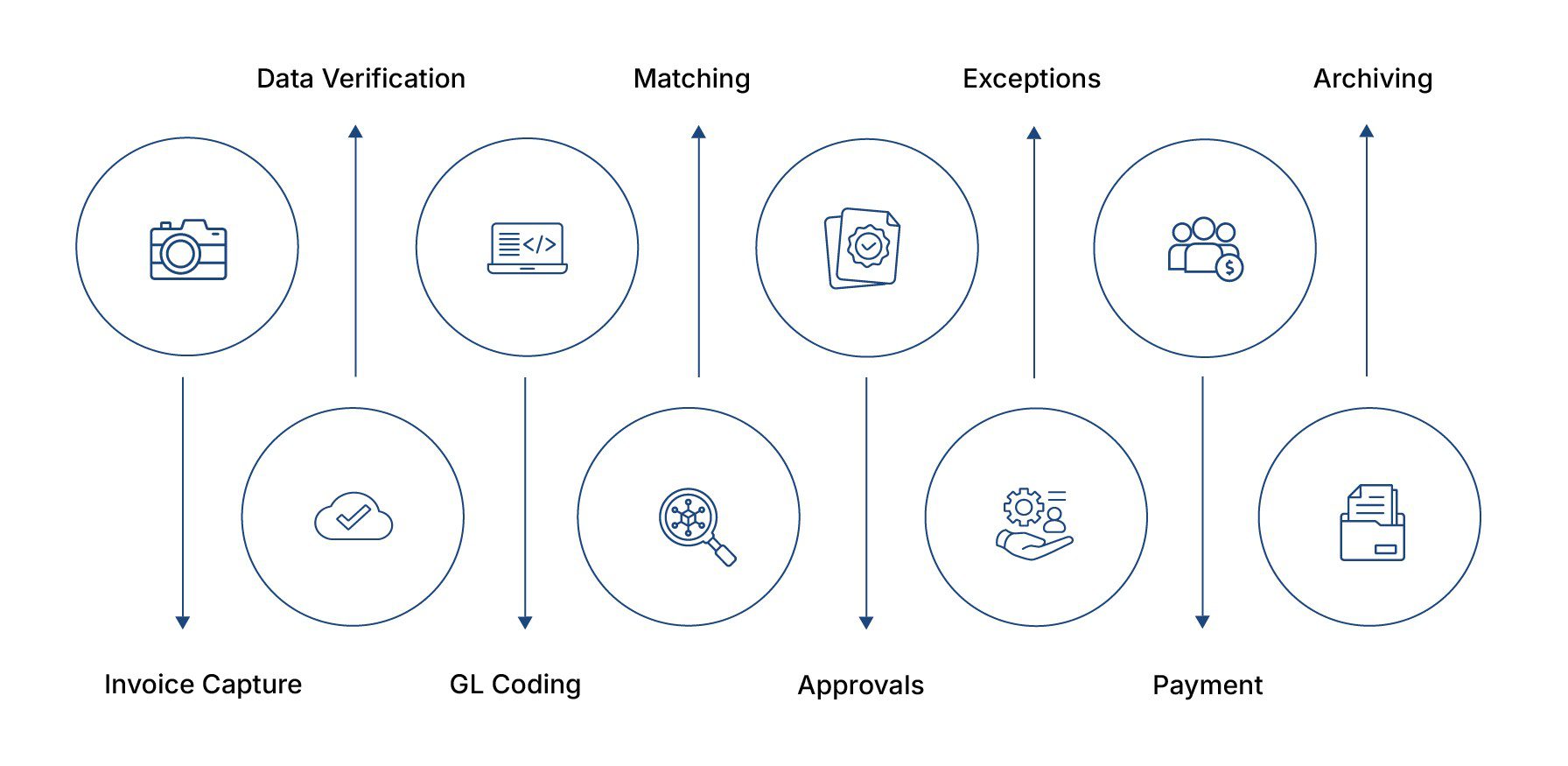
Connect your invoicing platform directly to your ERP or accounting software. This ensures that when an invoice is sent, the corresponding GL entries are created automatically. Avoid double-entry errors by syncing customer data, pricing, and inventory levels in real time. This integration is the backbone of accurate financial reporting and cash flow visibility.
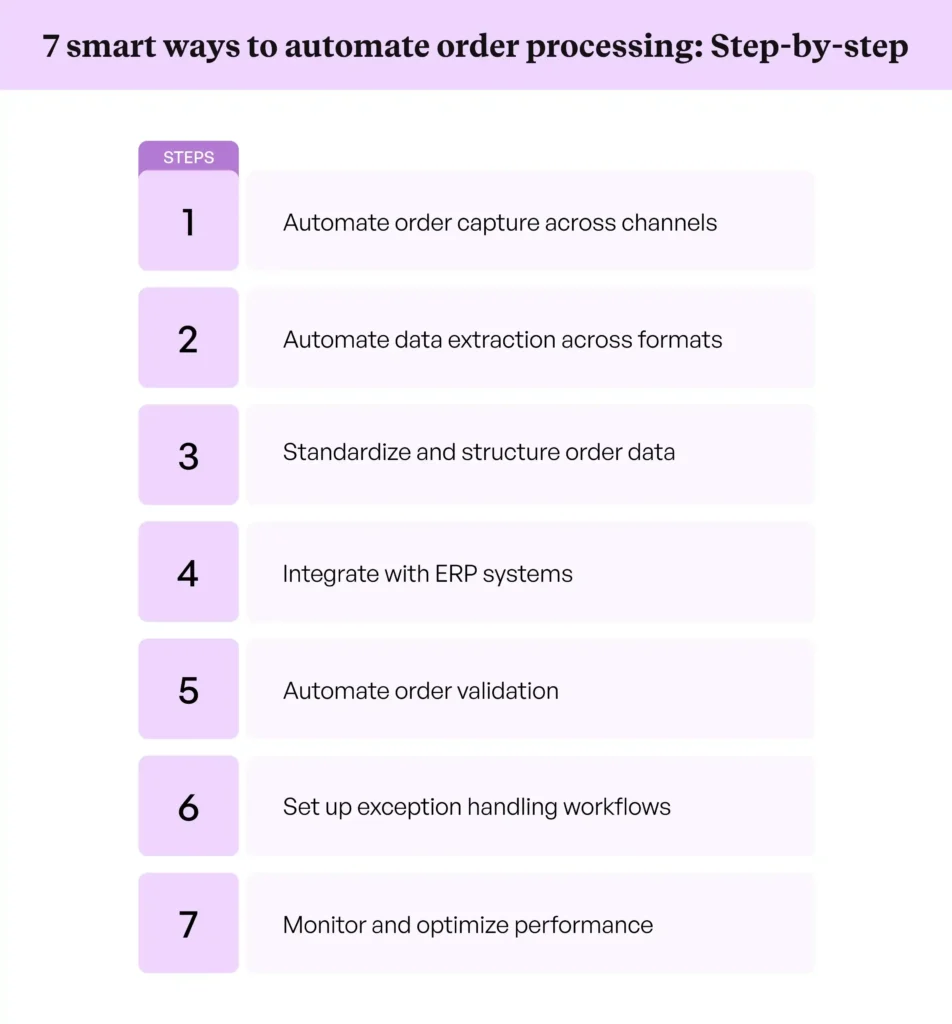
Set up rules for who needs to approve invoices before they are sent. For example, invoices over a certain threshold might require manager approval, while standard orders go straight to send. Automating this routing eliminates the "waiting for signature" delay. Most modern platforms allow you to set these thresholds and notification rules without coding.
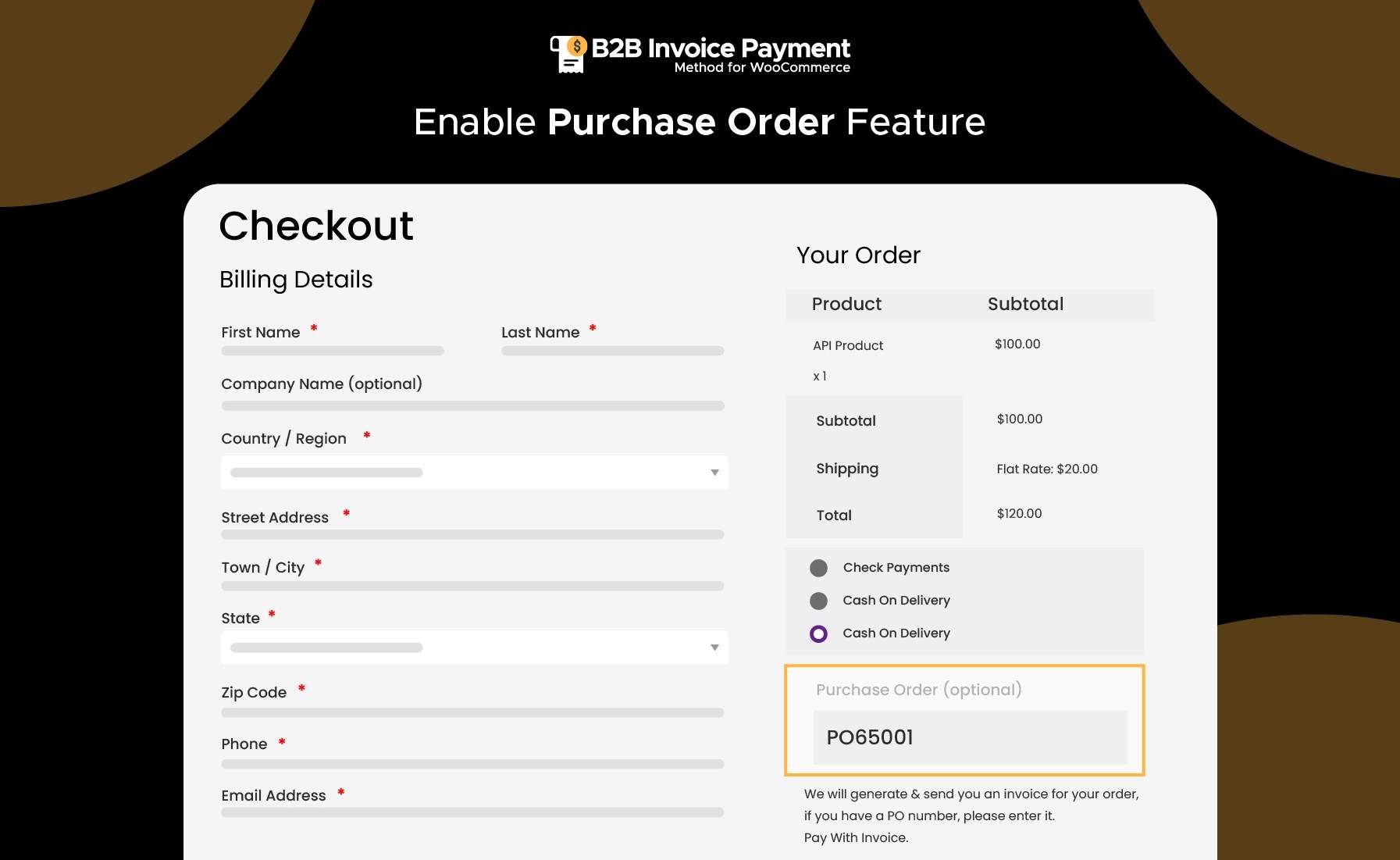
Give your customers the ability to view, download, and pay invoices online. A self-service portal reduces administrative overhead for your team and speeds up payment collection. Offer multiple payment methods, including ACH, credit cards, and digital wallets. When customers can pay instantly with one click, your DSO drops significantly.
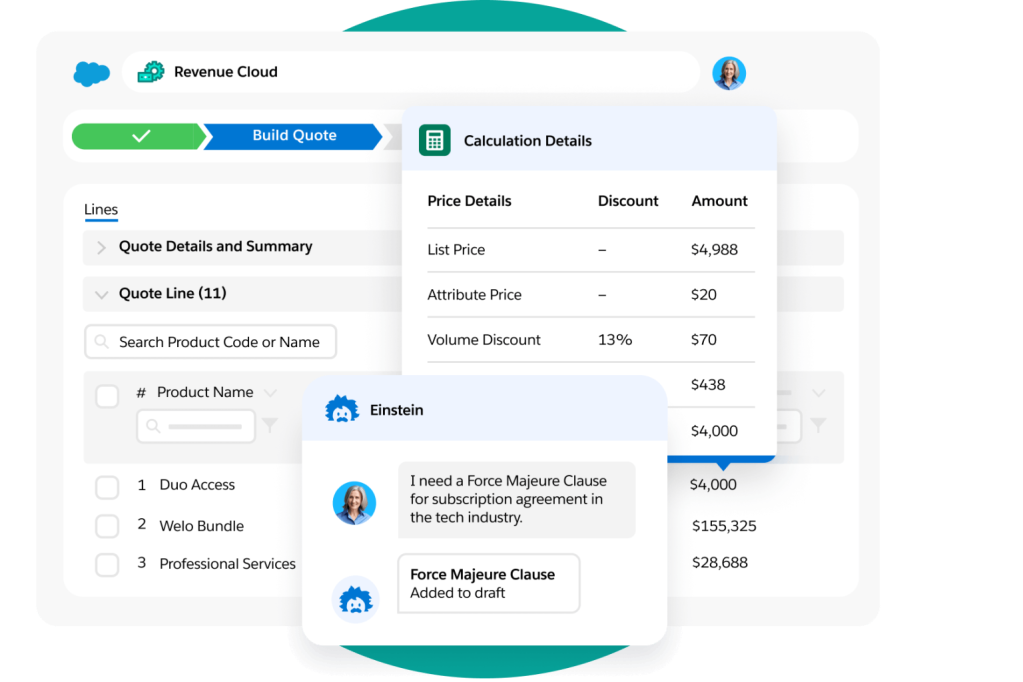
Set up automatic reconciliation to match incoming payments with open invoices. This clears your books in real time and flags any discrepancies for immediate attention. Regularly review your DSO metrics to ensure the automation is delivering the expected cash flow improvements. Adjust your strategies based on which customers still pay late despite automation.
After implementing these steps, use the following checklist to ensure your automation is fully operational and optimized for cash flow.
-
Verify all invoice templates are standardized and error-free
-
Confirm ERP integration syncs customer and product data correctly
-
Test approval workflows with sample invoices of varying amounts
-
Ensure customer portal accepts all desired payment methods
-
Set up automatic reconciliation rules for incoming payments
Common mistakes to avoid
- Skipping the mapping phase: Automating a broken process just speeds up errors. Always fix the workflow before adding technology.
- Ignoring mobile usability: If your customer portal isn't mobile-friendly, clients will delay payment due to friction.
- Overcomplicating approvals: Too many approval layers slow down the process. Keep it lean and rule-based.
Proof checks
Before going live, run a parallel test for one month. Compare the DSO and manual effort of the old process against the new automated workflow. This data will confirm the ROI and highlight any remaining friction points.
Fix Common Mistakes in B2B Invoice Automation
Even with the best Stable Invoice integration, manual errors in the setup phase can derail your DSO reduction goals. These mistakes usually stem from treating automation as a "set and forget" task rather than a process requiring initial precision. Below are the most frequent configuration errors and how to correct them.
Mismatched Payment Terms
Automating invoices often fails when the system sends a bill with terms that conflict with your sales agreements. If your CRM states "Net 30" but your billing platform defaults to "Due on Receipt," accounts receivable teams spend hours chasing clarifications instead of payments. Ensure your payment term templates are synced directly from your contract management system. This single alignment prevents the most common cause of early payment delays in automated workflows.
Ignoring Validation Rules
Many teams skip the validation step to speed up rollout. However, without strict validation rules, your system will process incomplete or malformed invoices. Common issues include missing purchase order (PO) numbers, incorrect tax IDs, or invalid banking details. Configure your automation engine to reject invoices that fail these checks before they leave your system. This creates a hard stop that forces data integrity at the source, reducing the need for downstream corrections.
Overlooking Multi-Currency Nuances
If you serve international clients, assuming a single currency setting is a costly mistake. Automated systems often default to the base currency, applying incorrect exchange rates or ignoring local tax compliance requirements. Use your automation platform’s multi-currency features to map local tax codes and dynamic exchange rates. This ensures your invoices are legally compliant and clear to the payer, reducing friction in cross-border transactions.
B2b invoice automation 2026: what to check next
Before committing to an automation platform, finance leaders need clarity on integration, ROI, and risk. The following answers address the practical objections that typically stall procurement.
No comments yet. Be the first to share your thoughts!