Get b2b invoicing automation 2026 right
Before you configure your first automated payment flow, you need to align your technical infrastructure with the regulatory reality of 2026. B2B invoicing is no longer just about sending a PDF; it is about exchanging structured data that complies with local e-invoicing mandates. Skipping this preparation phase leads to rejected invoices, delayed payments, and higher churn rates.
Start by auditing your current AP/AR stack. Ensure your accounting software can accept or generate XML, JSON, or UBL formats required by major jurisdictions. If your system only supports flat-file exports, you will face manual entry errors that defeat the purpose of automation. Next, verify your vendor’s ability to receive digital invoices. Many suppliers still lack the portal or API endpoint to process automated submissions, creating a bottleneck that AI cannot fix.
Finally, map your approval workflows. Automation accelerates everything, including errors. Define clear thresholds for auto-approval versus manual review to prevent fraudulent or incorrect payments from slipping through. This setup takes time, but it is the only way to ensure your payment stability actually improves customer retention.
Work through the steps
Automated B2B invoicing reduces churn by removing payment friction. The process moves from data capture to payment execution. Follow these steps to implement the workflow.
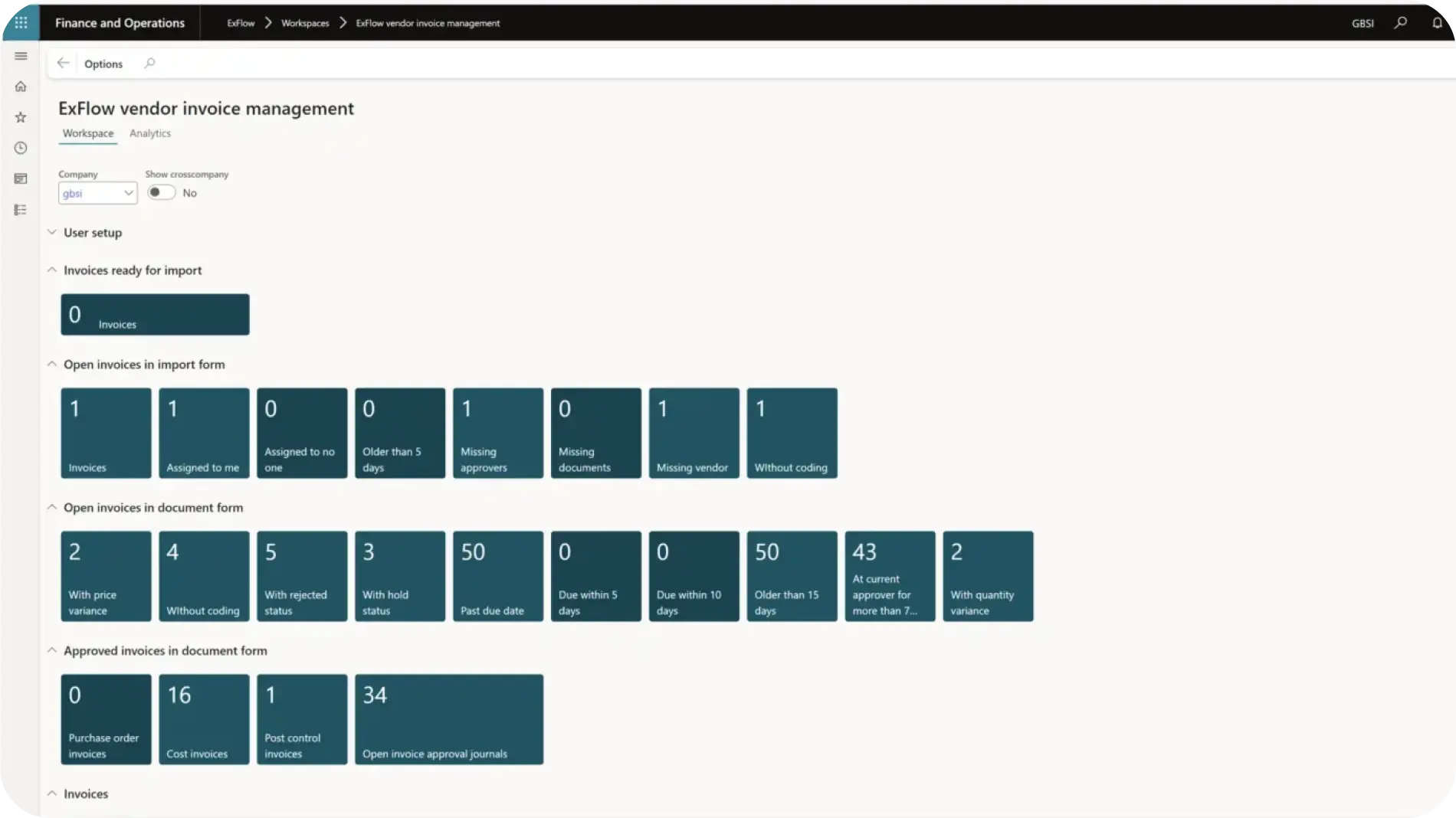
Integrate your accounting system with an AI extraction tool. The system reads incoming invoices and matches them to purchase orders. This step ensures data accuracy before payment processing begins.
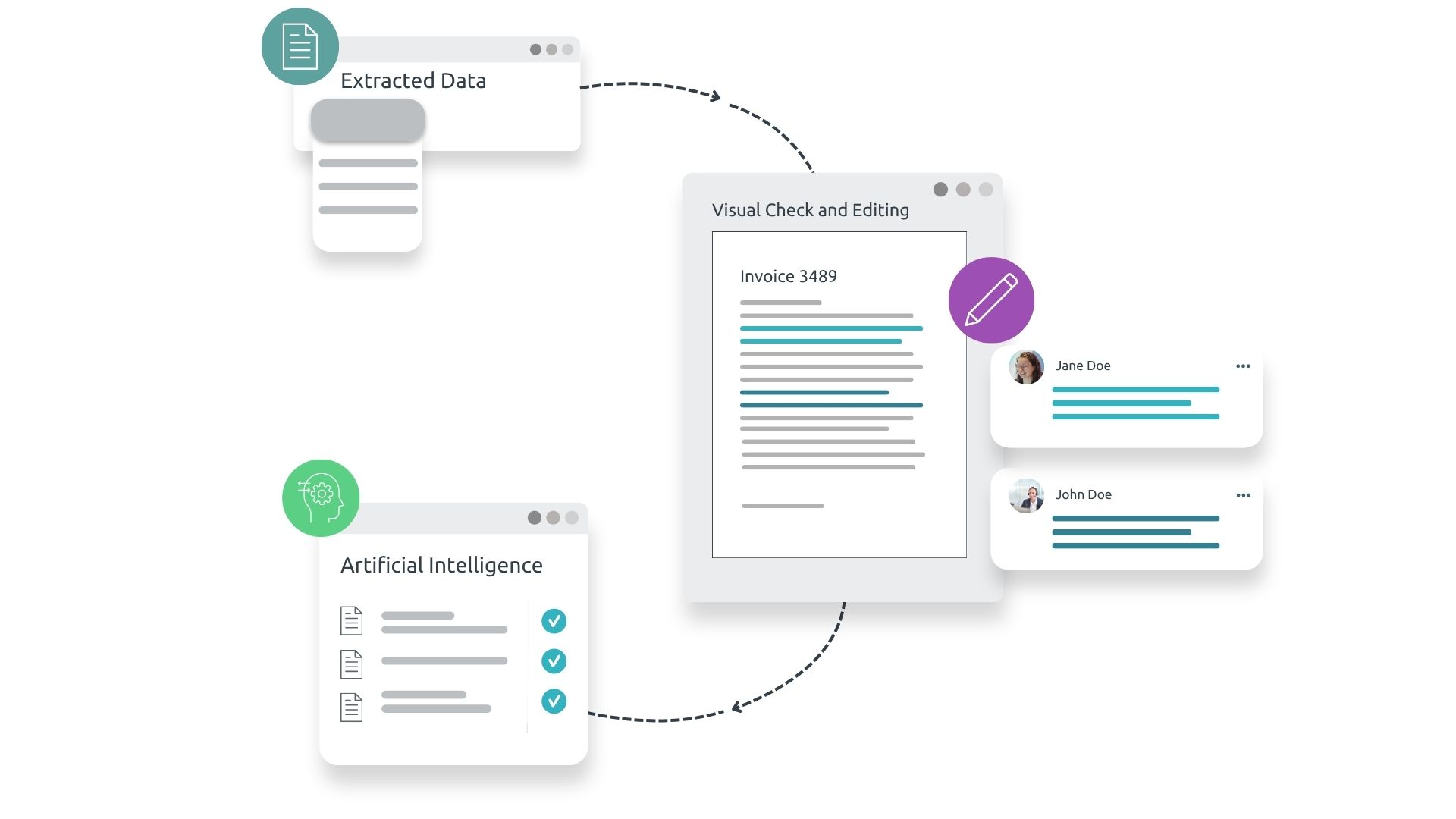
The system checks for discrepancies between the invoice and the original contract. It flags mismatched amounts or dates. This validation prevents overpayments and keeps vendor relationships intact.
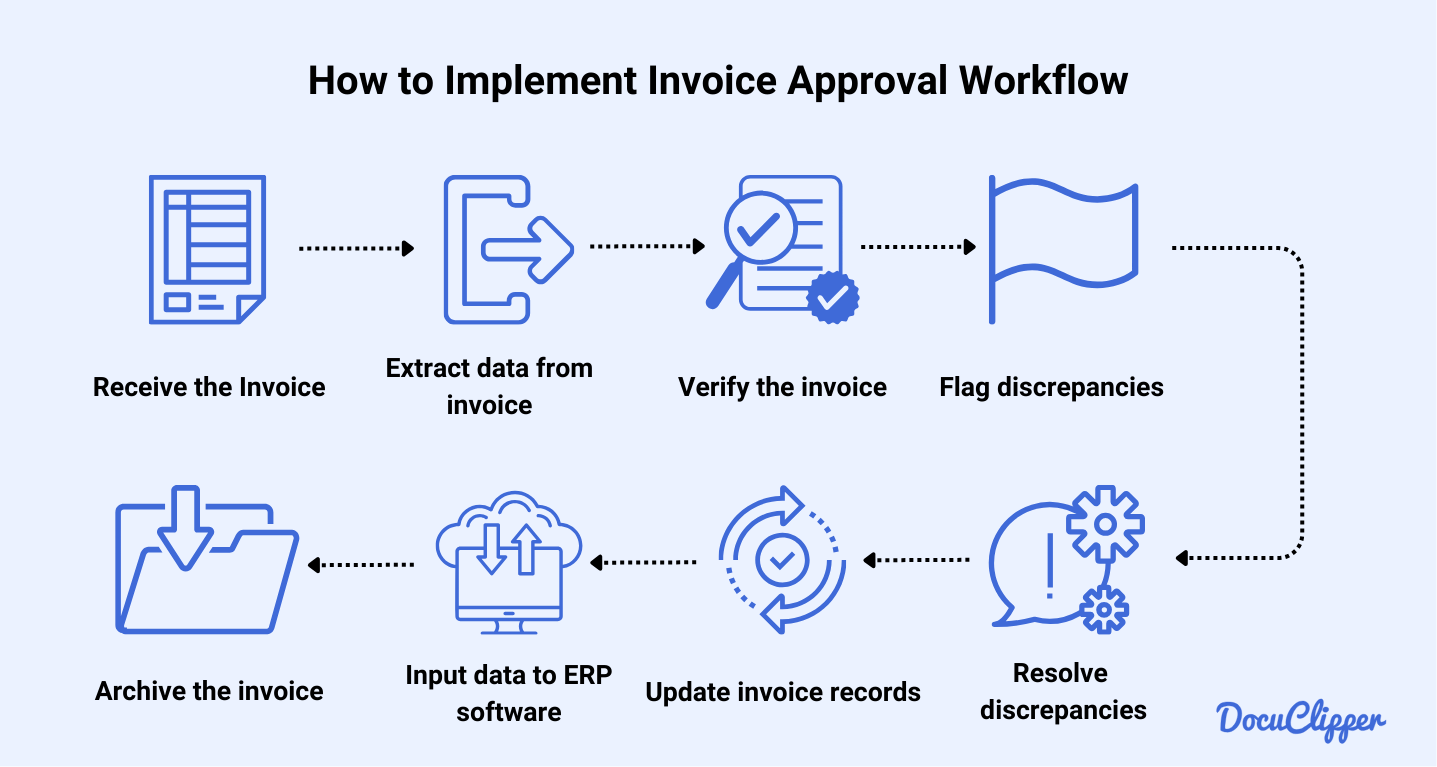
Set up automated routing rules. Invoices under a certain threshold auto-approve. Higher amounts route to the appropriate manager. This speeds up the approval cycle without manual intervention.
Connect the approved invoice to a stable payment rail. Use automated payment methods like ACH or virtual cards. This ensures vendors get paid on time, reducing churn caused by late payments.
The system updates your general ledger automatically. It generates a reconciliation report for your finance team. This completes the cycle and provides data for future optimization.
-
Verify API connections between ERP and payment gateway
-
Test invoice extraction accuracy on sample data
-
Define approval thresholds based on company policy
-
Confirm stable payment rail availability for vendors
-
Schedule monthly reconciliation audits
Common mistakes in automated B2B invoicing
Automated invoicing promises speed, but poor configuration often leads to delayed payments and damaged vendor relationships. The friction usually comes from technical missteps rather than the software itself. Fixing these errors early stabilizes cash flow and reduces churn.
Incorrect payment terms configuration
Setting vague or conflicting payment terms is the fastest way to trigger disputes. If your system defaults to "Net 30" but the contract specifies "Net 45," the invoice hits the wrong due date. This mismatch forces manual reconciliation, delaying approval and frustrating your accounts payable team. Always sync your automated templates with signed contracts to ensure terms are explicit and accurate.
Ignoring data validation rules
Automated systems often assume data quality. If a vendor’s tax ID or banking details are missing or formatted incorrectly, the invoice may be rejected by the buyer’s ERP system. This rejection loop kills automation benefits. Implement strict validation rules that flag missing fields before the invoice is sent. This proactive check prevents returns and keeps the payment pipeline moving.
Overlooking multi-currency nuances
For global B2B transactions, ignoring exchange rate fluctuations or currency codes creates accounting headaches. If your system sends an invoice in USD but the buyer expects EUR without clear conversion rates, payment is often held up. Ensure your automation handles currency conversion transparently and includes the correct SWIFT/BIC codes for international wire transfers.
B2b invoicing automation 2026: what to check next
Automating B2B invoices requires more than just software; it demands alignment with shifting regulatory landscapes. The 2026 landscape is defined by mandatory e-invoicing in key European markets and the integration of AI-driven validation to prevent churn from payment delays.
No comments yet. Be the first to share your thoughts!