
AI invoicing automation 2026
The shift toward AI-driven invoice processing in 2026 is no longer about replacing accounts payable staff; it is about removing the friction that delays payments. When invoices get stuck in manual data entry or error-prone approval workflows, cash flow suffers. Automating this process with AI tools allows finance teams to extract line items, validate against purchase orders, and route approvals in seconds rather than days.
How it works in practice
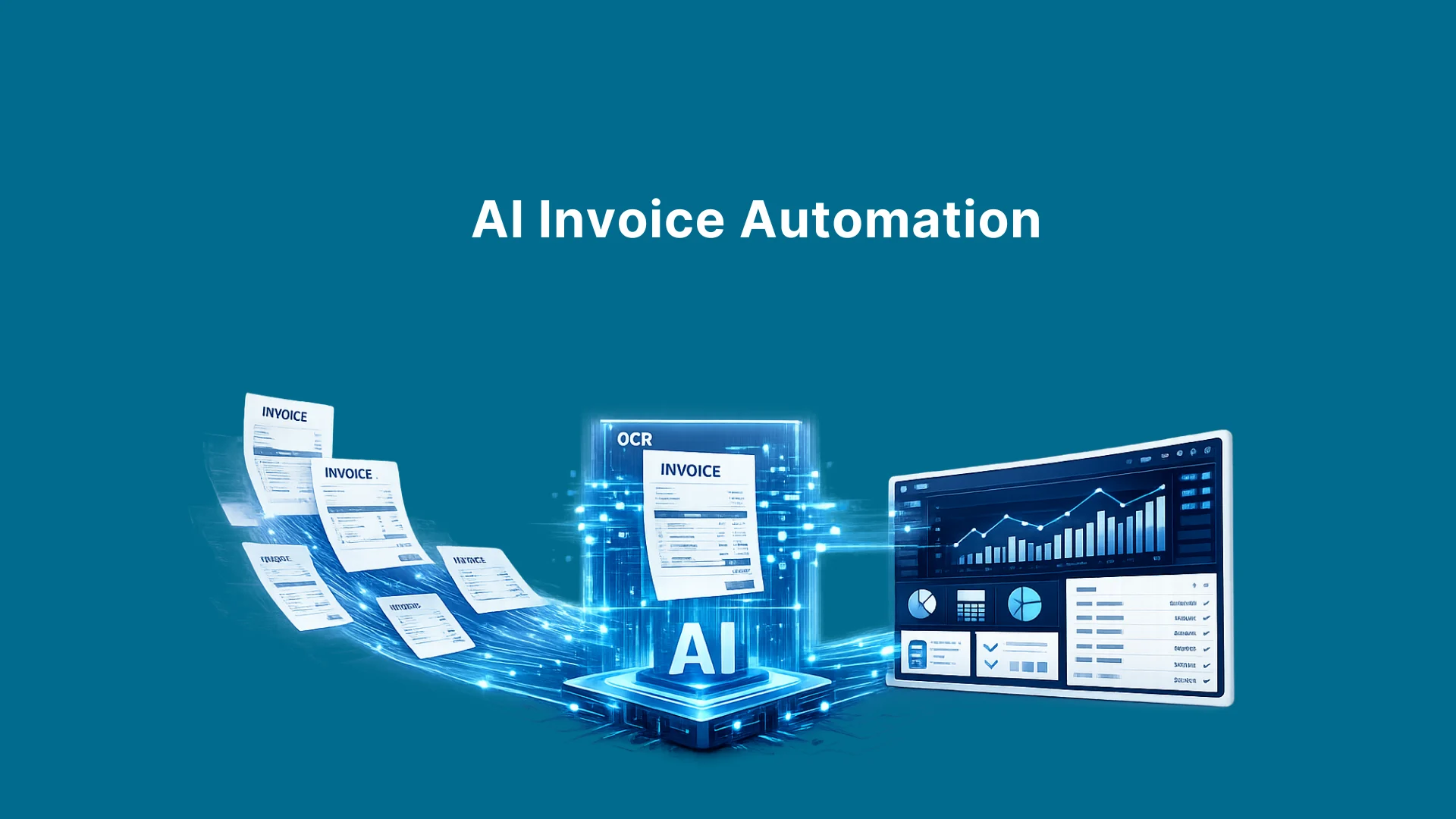
Modern AI invoicing solutions use optical character recognition (OCR) combined with machine learning to read unstructured documents. The system identifies key data points like vendor names, dates, and amounts, then cross-references them with your ERP or accounting software. If the data matches, the invoice is approved automatically. If there is a discrepancy, it flags the issue for human review. This "human-in-the-loop" approach ensures accuracy while maintaining speed.
Why 2026 is different
Earlier automation tools required heavy customization and rigid templates. The 2026 landscape favors adaptive AI that learns from your company’s specific approval hierarchies and vendor behaviors. According to enterprise benchmarks, AI-powered automation can reduce the cost per invoice from $8–15 down to $1–3 by eliminating manual touchpoints. This efficiency gain is critical for businesses looking to cut payment delays by up to 40%.
Common pitfalls to avoid
Many companies fail because they treat AI as a black box. Ensure your AI tool integrates seamlessly with your existing accounting software (like QuickBooks or Xero) and supports the document formats your vendors actually send. Avoid tools that require extensive manual training for every new vendor; the best systems adapt automatically. Also, verify that the AI maintains strict data security standards, as invoices contain sensitive financial information.
Getting started
Start by auditing your current invoice volume and identifying the most time-consuming steps. Choose an AI tool that offers a clear ROI dashboard so you can track cost savings and payment speed improvements. Implement the solution in a pilot phase with a single department or vendor group before rolling it out company-wide. This measured approach minimizes disruption and allows your team to adjust to the new workflow.
Ai invoicing automation 2026 choices that change the plan
Choosing an AI invoicing solution in 2026 requires balancing speed against integration depth. While automation promises to cut payment delays by 40%, the actual ROI depends on how well the tool handles exceptions and fits into your existing stack.
The primary tradeoff lies between pure AI extraction accuracy and workflow automation breadth. High-end platforms reduce manual data entry by up to 95% but often require significant implementation time. Simpler tools offer faster setup but may leave complex exception handling to your team. Understanding these distinctions helps you avoid overpaying for features you won’t use or underestimating the complexity of your current AP process.
Compare AI Invoicing Platforms
The table below breaks down the key tradeoffs between leading 2026 invoice automation solutions. Focus on implementation time and exception handling to determine which aligns with your operational capacity.
| Platform | AI Accuracy | ERP Integration | Setup Time | Best For |
|---|---|---|---|---|
| Sai by Simular | 95%+ | Native | 2-4 weeks | End-to-end automation |
| QuickBooks Online | High (SME) | Built-in | Instant | Small businesses |
| Hypatos | 98% | API-first | 1-2 weeks | Enterprise AP |
| HighRadius | 90%+ | Deep ERP | 3-6 months | Large enterprises |
| LightPDF | Template-based | Manual/Export | Instant | Simple generation |
Calculate Your Potential ROI
Before committing, estimate your savings. Manual invoice processing typically costs $8–$15 per invoice. AI-driven automation can drop this to $1–$3. Use the calculator below to project your annual savings based on your current volume and cost per invoice.
Choose the right AI invoicing tool for your workflow
Picking the wrong software is the fastest way to derail automation. You are not just buying a tool; you are selecting a partner that will handle your financial data. The decision depends on your current stack, volume, and how much control you want over the process.
1. Audit your current AP costs
Before looking at features, calculate your baseline. Manual invoice processing costs between $8 and $15 per invoice in labor and errors. AI automation drops this to $1–3. Use the calculator below to estimate your potential savings. This number justifies the tool cost to stakeholders.
2. Match the tool to your scale
Small businesses often need all-in-one accounting suites. QuickBooks Online and Xero integrate natively with most AI add-ons, making them easy starting points. For mid-market or enterprise teams, dedicated solutions like Sai by Simular or Hypatos offer end-to-end workflows that handle complex approval chains and multi-currency invoices better than basic accounting plugins.
3. Check integration depth
Your AI tool must talk to your ERP and CRM. If it requires manual CSV uploads, you have not automated anything; you have just moved the bottleneck. Look for native APIs or pre-built connectors to your specific stack (e.g., NetSuite, SAP, Salesforce). Test the setup process: if it takes more than a few days to connect your first vendor, it will fail at scale.
4. Verify data security and compliance
Financial data requires strict controls. Ensure the provider is SOC 2 Type II compliant and GDPR/CCPA ready. Ask how they handle data retention and deletion. You need to know if your invoice data is used to train their public models (it shouldn't be) and if you can export everything in case you switch providers later.
5. Run a pilot with real invoices
Do not roll out to the whole finance team at once. Select five complex vendors with varied invoice formats. Run them through the AI tool alongside your manual process for one month. Compare accuracy, processing time, and error rates. If the AI misreads more than 5% of key fields, it is not ready.
Watch Out for Weak Options and Misleading Claims
Many vendors promise automatic payment acceleration, but the reality of AI invoice automation is often more complex. Before committing to a platform, you need to separate marketing hype from actual workflow efficiency. The gap between manual processing costs and automated ones is significant, yet many tools fail to deliver on the promise of reducing payment delays by 40% without substantial configuration.
The "Free Generator" Trap
Tools like LightPDF or ChatGPT can draft an invoice template in seconds, but they do not automate the B2B payment cycle. Generating a PDF is not the same as integrating with your accounting software, sending reminders, or matching purchase orders. Using a generator for high-volume B2B transactions creates more work, not less, because you still have to manually enter data into your ERP system.
Hidden Implementation Costs
Enterprise benchmarks show that AI can drop the cost per invoice from $8–15 down to $1–3. However, this ROI assumes clean data integration. Many "plug-and-play" solutions require extensive mapping of vendor details and tax codes. If your current data is messy, the AI will misclassify invoices, leading to approval delays that negate the speed benefits. Always audit your data quality before purchasing.
Verification Checklist
- Check Integration Depth: Does the tool sync directly with your accounting software, or does it just email PDFs?
- Verify Accuracy Rates: Look for independent audits of AI extraction accuracy, not just vendor testimonials.
- Test the Workflow: Run a pilot with 50 real invoices. Measure the time from receipt to payment approval, not just receipt to data entry.
Ai invoicing automation 2026: what to check next
Before committing to a new workflow, it helps to separate hype from the actual mechanics of 2026’s best tools. The market has shifted from simple OCR scanning to end-to-end automation that handles exceptions and coding.
Here are the most common questions finance leaders ask when evaluating AI invoice automation.
The choice often comes down to whether you need a drafting assistant or a full ledger integration. Most 2026 benchmarks show that while AI can draft content, the real ROI comes from systems that reduce manual touchpoints on incoming bills.
No comments yet. Be the first to share your thoughts!