
Set up AI invoice capture
The first step in B2B invoice automation is configuring your system to extract data from incoming PDFs and emails without human intervention. Manual entry is slow and error-prone; AI-driven capture replaces keyboard typing with automated data extraction, allowing your accounts payable team to focus on exceptions rather than routine data entry.
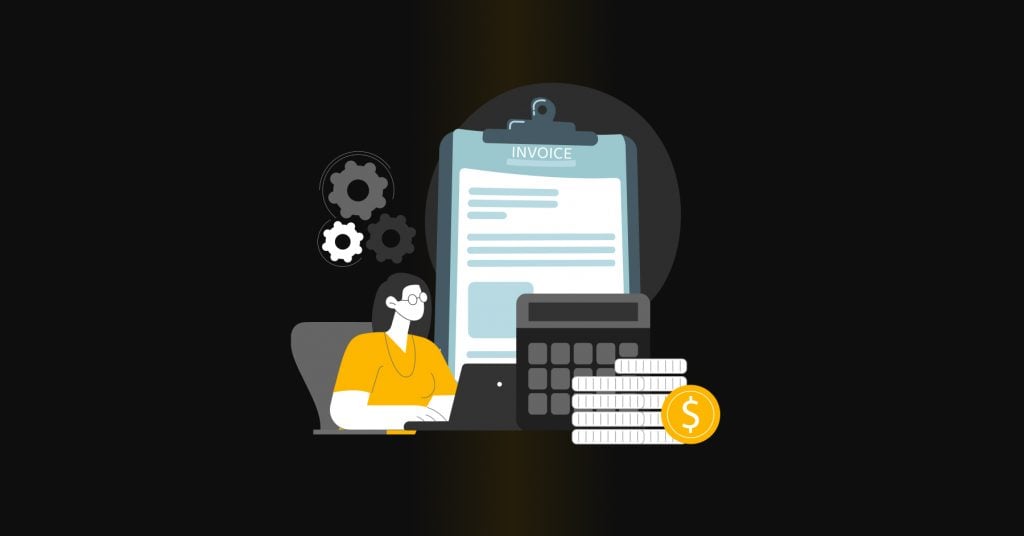
Direct incoming supplier invoices to a dedicated inbox or API endpoint. Most automation platforms allow you to set up filters that automatically route PDF attachments to the capture engine. This ensures no invoice is missed and keeps your workflow organized from the start.

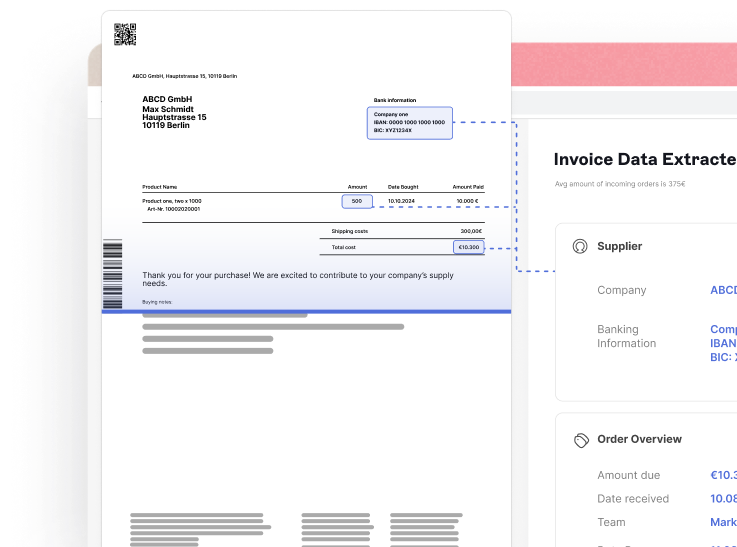
Upload sample invoices to your system to train the AI on your specific vendor formats. Modern tools use machine learning to recognize fields like invoice numbers, dates, line items, and total amounts. The more samples you provide, the more accurate the extraction becomes for future documents.
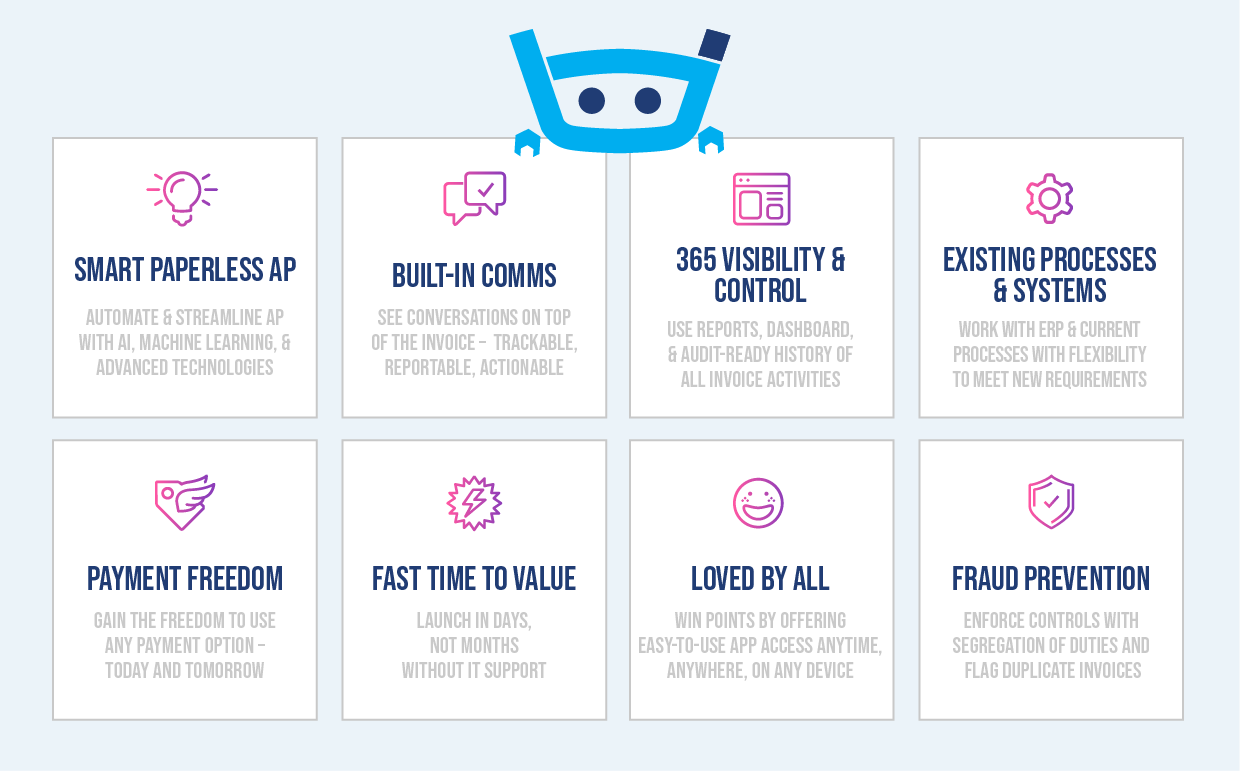
Set up validation rules to check for consistency, such as matching invoice totals against purchase orders. Map the extracted data to your accounting software’s chart of accounts. This step ensures that once the AI captures the data, it is ready for approval and payment without further manual adjustment.
By automating this initial capture phase, you eliminate the bottleneck of manual data entry. This setup lays the groundwork for faster approvals and seamless integration with stablecoin payment systems, reducing overall payment delays.
Automate three-way matching
Three-way matching is the process of verifying that an invoice aligns with the original purchase order and the proof of delivery. When this process is automated, the system validates data points instantly, removing the need for manual review and significantly reducing payment delays.
Modern systems use optical character recognition (OCR) and natural language processing to read incoming invoices. The software identifies key fields like vendor name, invoice number, date, and line-item costs, converting unstructured documents into structured digital data ready for validation.
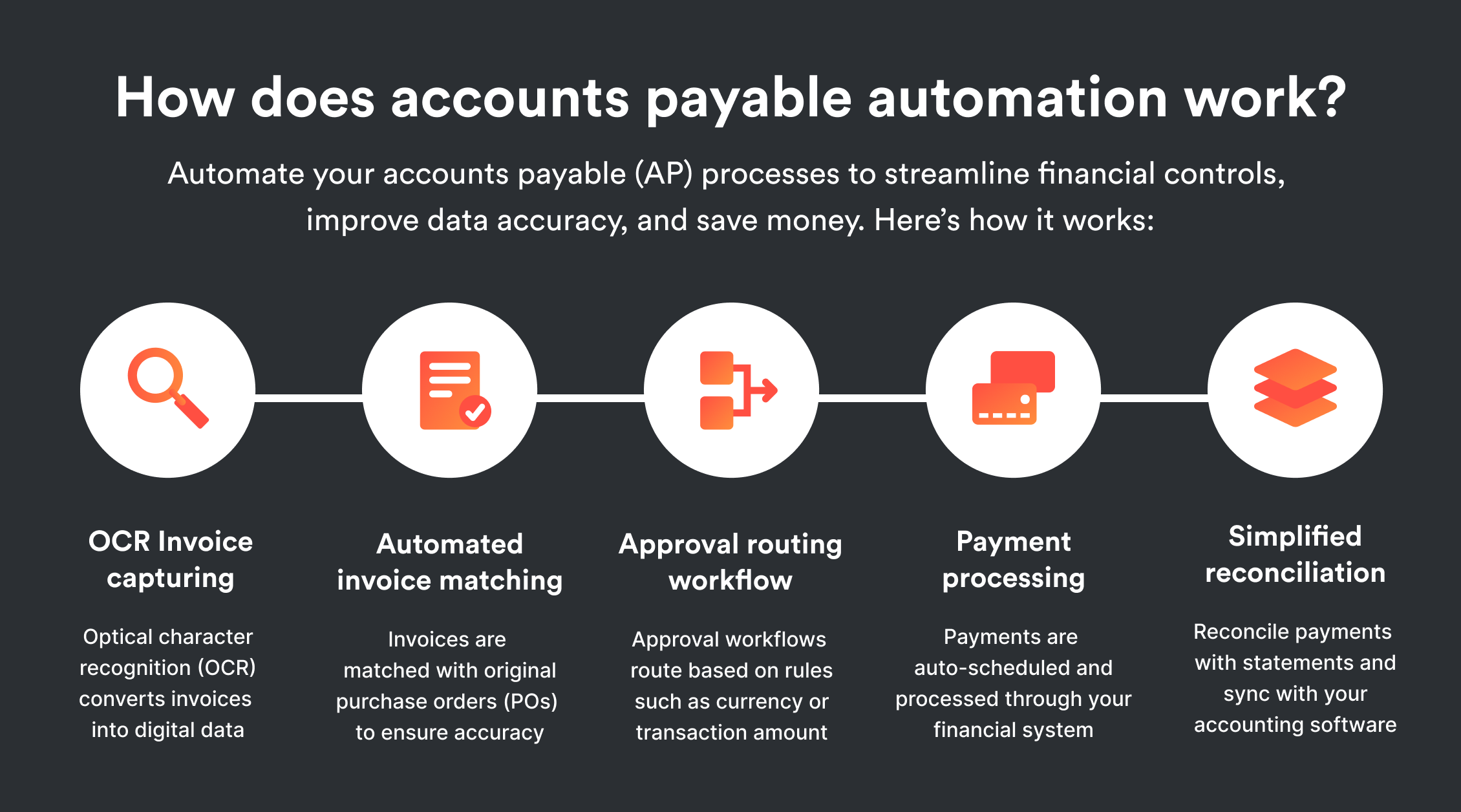
The system compares the extracted invoice data against the approved purchase order (PO). It checks for exact matches in quantities, unit prices, and total amounts. If the invoice details fall within a predefined tolerance threshold, the system flags the match as valid; otherwise, it triggers an exception workflow for human intervention.
Finally, the system verifies the data against the goods received note (GRN) or proof of delivery. This step confirms that the items billed were actually received by the warehouse or department. A successful three-way match across all three documents signals the system to approve the invoice for payment.
Once the match is approved, the payment instruction is generated. By integrating stablecoins, the system can execute the transaction on a blockchain network. This provides near-instant settlement, bypassing traditional banking rails and reducing the time from approval to funds receipt from days to minutes.
Integrate stablecoin escrow
Connecting your automation platform to a stablecoin payment rail transforms cross-border settlement from a multi-day banking process into an instant, low-cost transaction. By using stablecoins pegged to fiat currencies like the US dollar, you eliminate the volatility risk while bypassing traditional correspondent banking fees and delays.
The integration follows a clear sequence: configure the payment rail, establish the escrow smart contract, and trigger automatic release upon invoice verification.
First, connect your ERP or accounts payable system to a compliant stablecoin gateway. This gateway acts as the bridge between your internal ledger and the blockchain network. Ensure the gateway supports the specific stablecoin (e.g., USDC, USDT) preferred by your vendor base. Configure the API keys to allow your automation platform to initiate transactions securely.
Deploy or utilize a pre-audited smart contract that holds the payment in escrow until conditions are met. This contract should define the release criteria, such as successful delivery confirmation or mutual digital signature. The escrow mechanism ensures funds are locked and cannot be withdrawn by either party prematurely, building trust without a middleman.
Link the smart contract to your invoice verification workflow. Once your automation platform confirms that the invoice matches the purchase order and the goods have been received, it sends a signal to the smart contract. The contract then automatically releases the stablecoin from escrow to the vendor’s wallet, completing the settlement in seconds rather than days.
This approach reduces the friction of international B2B payments. Instead of waiting for SWIFT transfers to clear, your company achieves immediate liquidity for suppliers while maintaining strict control over cash flow through automated conditional logic.
Monitor cash flow metrics
Dashboards turn invoice data into real-time visibility. Instead of waiting for month-end reports, you track Days Sales Outstanding (DSO) and payment bottlenecks as they happen. This allows you to intervene before delays compound.
Set up a single view that aggregates DSO by customer, invoice status, and payment method. Filter for invoices past due to spot systemic issues quickly. If a specific client’s DSO spikes, you can follow up immediately rather than discovering the problem during reconciliation.
Use these metrics to identify friction points. Are payments stalling at approval? Is a particular payment method causing delays? Pinpointing the bottleneck lets you adjust workflows or negotiate better terms with stablecoin providers to keep cash moving.
Deploy the automation checklist
Before going live with your B2B invoice automation, run through this pre-launch verification. This checklist ensures your AI and stablecoin payment workflows are fully operational and ready to cut payment delays.
-
Validate AI extraction accuracy on a sample batch of 50+ invoices
-
Confirm stablecoin wallet addresses for all approved vendors
-
Test end-to-end payment flow with a $1 sandbox transaction
-
Verify tax compliance settings for international payments
-
Set up automated alerts for failed or delayed transactions
Once these steps are confirmed, your finance team can transition from manual processing to a streamlined, automated system that reduces errors and accelerates cash flow.
Common b2b billing: what to check next
Choosing the right tools and structuring your documents correctly prevents payment delays before they start. Below are answers to the most frequent questions about software selection and invoice composition.
No comments yet. Be the first to share your thoughts!