
Choose the right automation platform
Selecting a B2B invoicing automation tool requires matching your accounting stack with the specific compliance mandates your clients face in 2026. The right platform reduces manual data entry and ensures your invoices meet regional e-invoicing standards before they reach the client.
Focus on three core capabilities: AI-driven data extraction from incoming documents, native integration with your existing ERP or accounting software, and support for mandatory e-invoicing formats like PEPPOL or local tax authority standards.
The table below compares leading platforms based on these criteria. PayRequest serves as a dedicated billing portal for complex B2B workflows, while QuickBooks and Xero offer broader accounting ecosystems for smaller firms.
| Platform | Best For | AI Data Extraction | 2026 E-Invoice Support |
|---|---|---|---|
| PayRequest | Dedicated B2B billing portals | Yes | Yes |
| QuickBooks Online | Full accounting integration | Yes | Yes |
| Xero | Growing businesses | Yes | Yes |
| Rillion | Payment automation | Yes | Yes |
Connect your existing accounting system
Syncing your new B2B invoicing automation tool with your ERP or accounting software creates a single source of truth. This integration eliminates manual data entry, ensuring that invoice details, payment statuses, and general ledger codes flow automatically between systems. Without this step, automation creates a silo rather than a pipeline.
1. Identify your integration method
Most modern automation platforms offer two paths: native connectors for major ERPs (NetSuite, QuickBooks, Xero) or API-based connections for custom or legacy systems. Native connectors are pre-built and typically require less IT involvement. If your ERP is not on the supported list, you will need to use the platform’s API documentation to build a custom webhook or middleware bridge.
2. Authenticate and authorize the connection
Initiate the connection from the automation platform’s dashboard. You will be redirected to your accounting system’s login page to grant permissions. Ensure you use an account with administrative or full-connector privileges. The system will request access to read invoice data and write payment confirmations back to the ledger.
3. Map data fields
Data mapping is the most critical technical step. You must align fields from your automation tool with the corresponding fields in your accounting software. Common mappings include:
- Invoice Number: Unique identifier
- Customer ID: Matched by email, account number, or CRM ID
- Line Items: Product codes, quantities, and unit prices
- Tax Codes: VAT, GST, or Sales Tax rates
- General Ledger (GL) Accounts: Revenue and receivables accounts
Incorrect mapping leads to unposted transactions or duplicate entries. Verify that tax calculations align with your jurisdiction’s requirements.
4. Configure sync frequency and triggers
Decide how often data should sync. Real-time sync is ideal for high-volume environments to ensure immediate visibility into cash flow. Batch syncing (e.g., every hour or daily) reduces API load and is sufficient for smaller teams. Set triggers so that invoices are automatically created in the accounting system only after they are approved in the automation workflow.
5. Run a test transaction
Before going live, send a test invoice. Verify that it appears correctly in your accounting software with accurate line items, taxes, and customer data. Check that the payment status updates correctly when you simulate a payment or mark it as paid. Review the audit log in both systems to ensure the data trail is intact.
6. Monitor and validate
For the first week, manually cross-check a sample of automated invoices against your accounting records. Look for sync errors, failed webhooks, or mismatched GL codes. Most platforms provide a dashboard showing sync success rates and error logs. Address any discrepancies immediately to prevent compounding errors in your financial reporting.
Configure AI-driven invoice generation
Setting up AI accounts receivable features transforms invoice creation from a manual data-entry task into an automated workflow. By leveraging machine learning, your system can extract data from purchase orders, predict line-item costs, and route invoices for approval without human intervention. This reduces the administrative burden on your finance team and minimizes the risk of billing errors that delay cash flow.
Configure your AI engine to map historical data against new purchase orders. The system should automatically populate line items, quantities, and unit prices based on past transactions. This eliminates manual typing and ensures consistency across recurring B2B contracts. Verify the mapping accuracy by running test invoices against your most common client agreements.
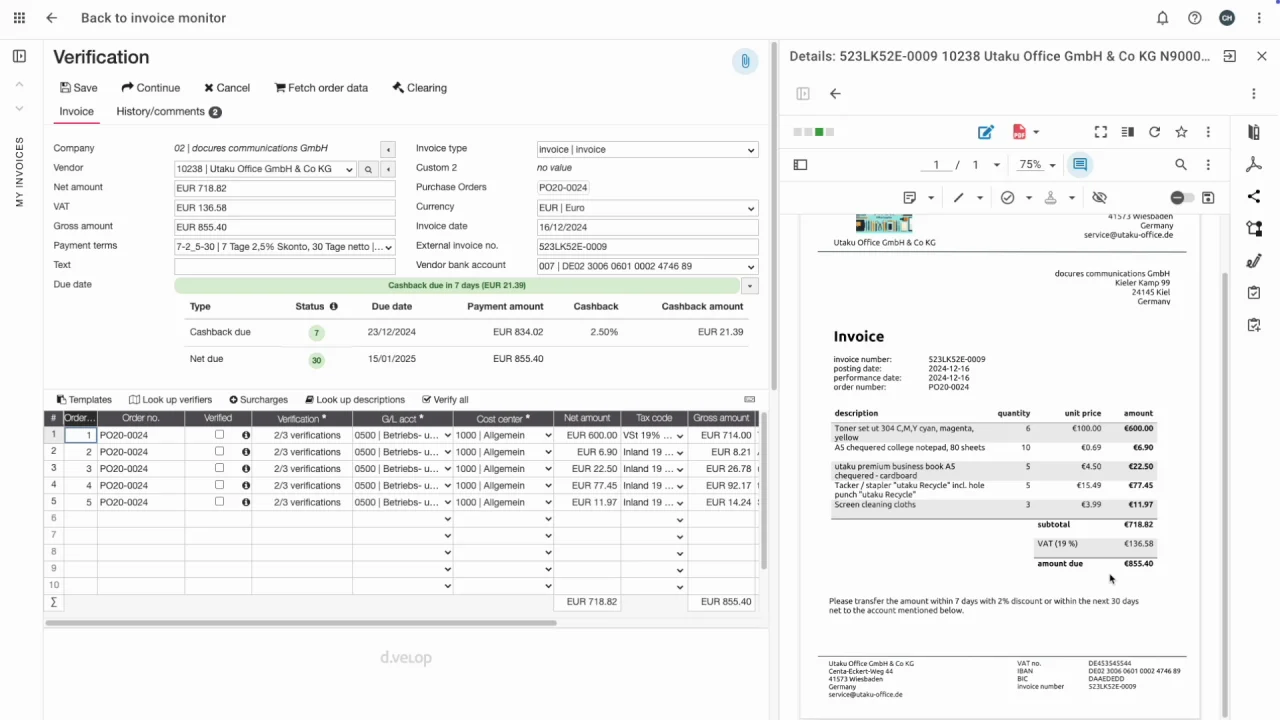
Define routing logic based on invoice value, department, or client tier. For example, invoices exceeding a certain threshold should route to a senior manager, while standard transactions auto-approve. This ensures that the right stakeholders review the right documents, preventing bottlenecks in the approval chain. Integrate with your existing ERP to sync approval hierarchies in real-time.
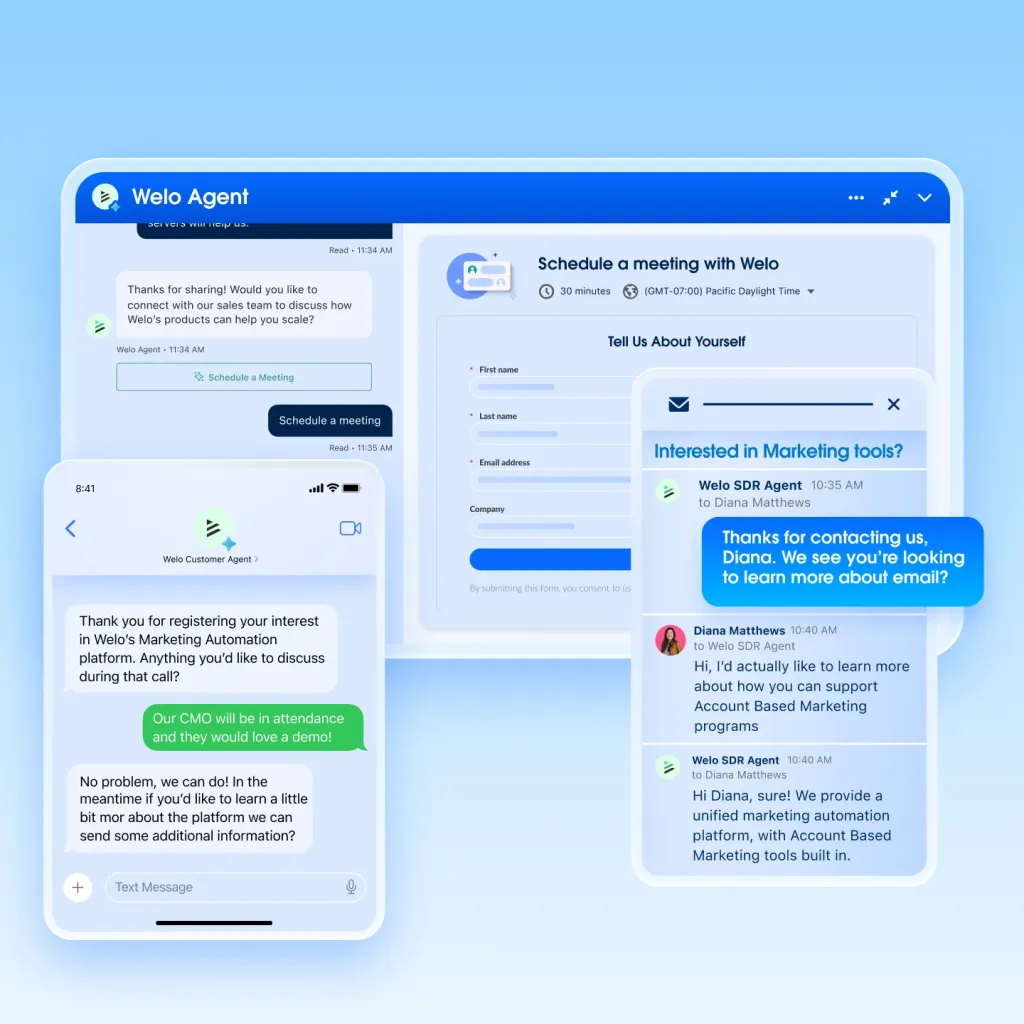
Configure rules for early-payment incentives to improve cash flow. Set thresholds where the system automatically calculates discount percentages based on the payment date relative to the invoice due date. This encourages clients to pay faster without manual negotiation. Ensure your accounting software reflects these discounts accurately to maintain clean ledgers.
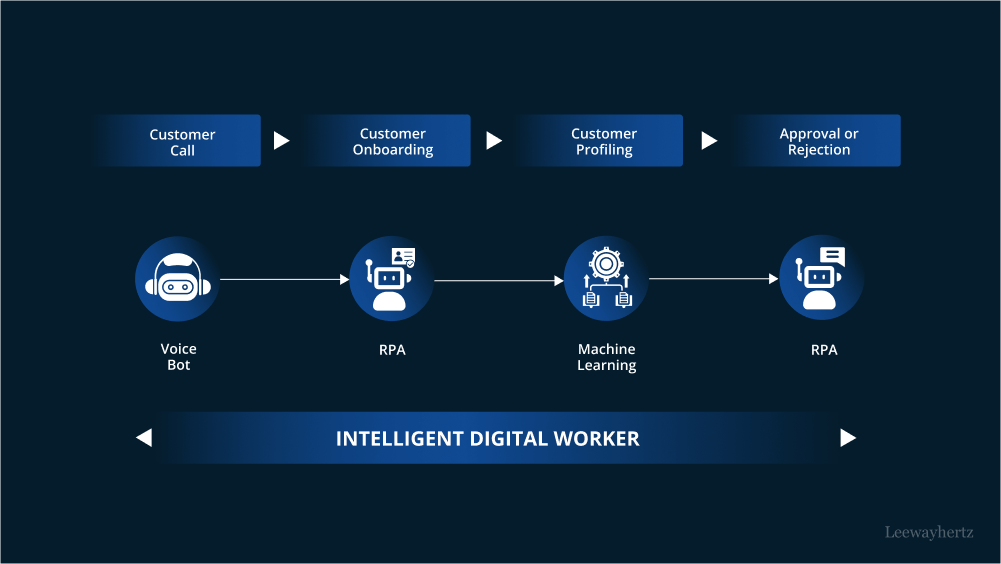
Before going live, run a parallel test phase where AI-generated invoices are compared against manually created ones. Monitor error rates and approval times to ensure the AI is performing as expected. Once validated, activate the automation for all eligible invoices. Regularly review the AI’s performance metrics to refine its accuracy over time.
Ensure 2026 e-invoicing compliance
Starting January 1, 2026, the European Union requires all domestic B2B electronic invoices to be issued in a structured electronic format. This mandate, established by the law of February 6, 2024, affects every VAT-registered business within member states, fundamentally changing how you handle accounts receivable.
To meet these deadlines, your automation tool must be configured to generate invoices that comply with the EN 16937 standard. This standard defines the core data elements required for tax authorities to process invoices automatically. If your system outputs only PDFs or paper-based scans, it will not satisfy the legal requirement for structured data exchange.
You should also monitor the rollout in key markets. France and Italy have already implemented early phases of mandatory e-invoicing, providing a blueprint for the broader EU mandate. For detailed timelines and specific national requirements, refer to the official guidance from Symtrax and Melasoft.
Configure your invoicing software to validate data fields against these standards before transmission. This proactive step prevents rejection by tax portals and ensures your business remains compliant as the 2026 deadline approaches.
Test the full invoice-to-cash cycle
Before going live, run a complete invoice-to-cash simulation. This B2B invoicing automation test confirms that data moves correctly from creation to payment posting.
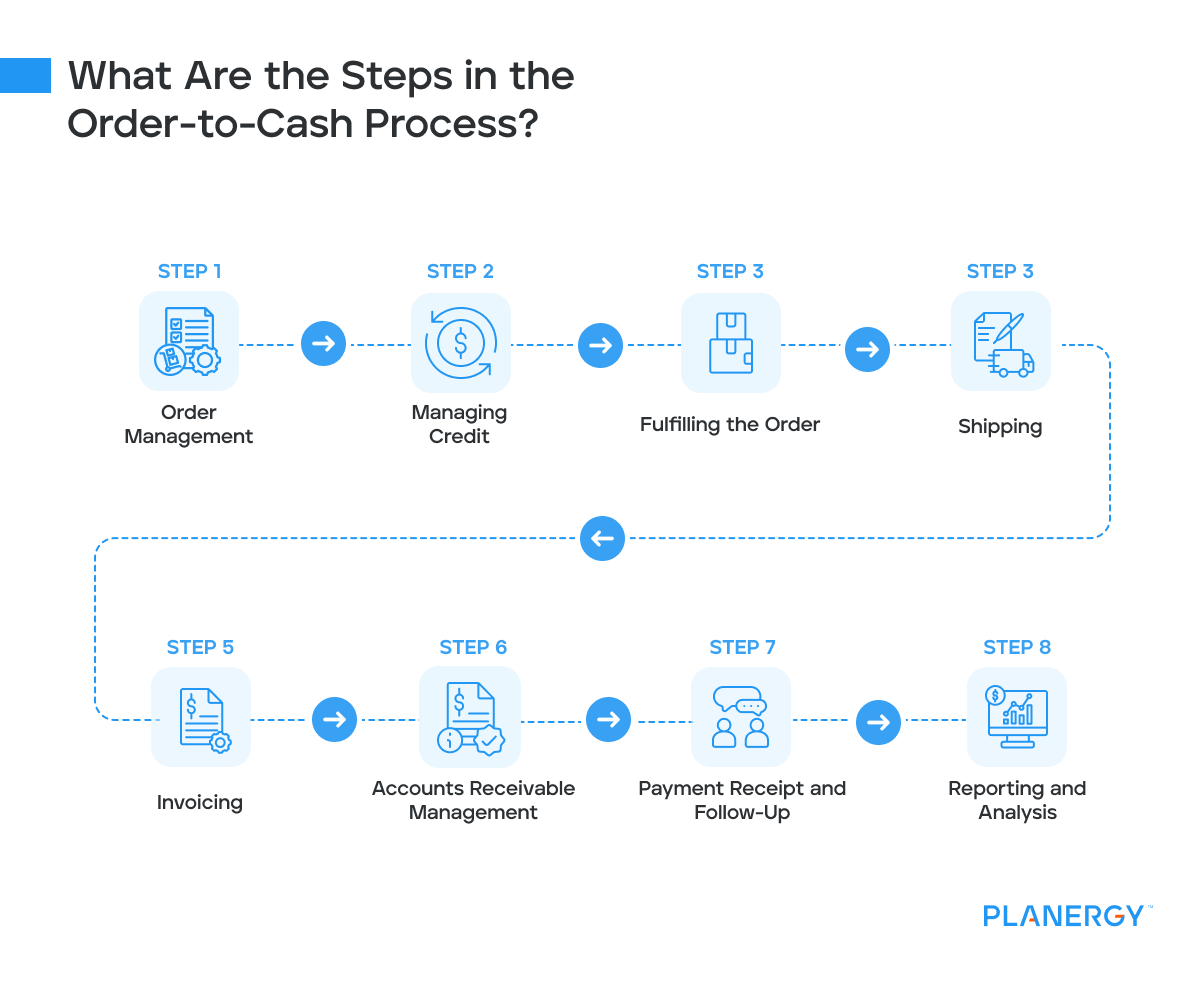
Create a mock invoice in your automation tool. Send it to a test vendor or internal email alias configured to capture the document without triggering real payment requests.
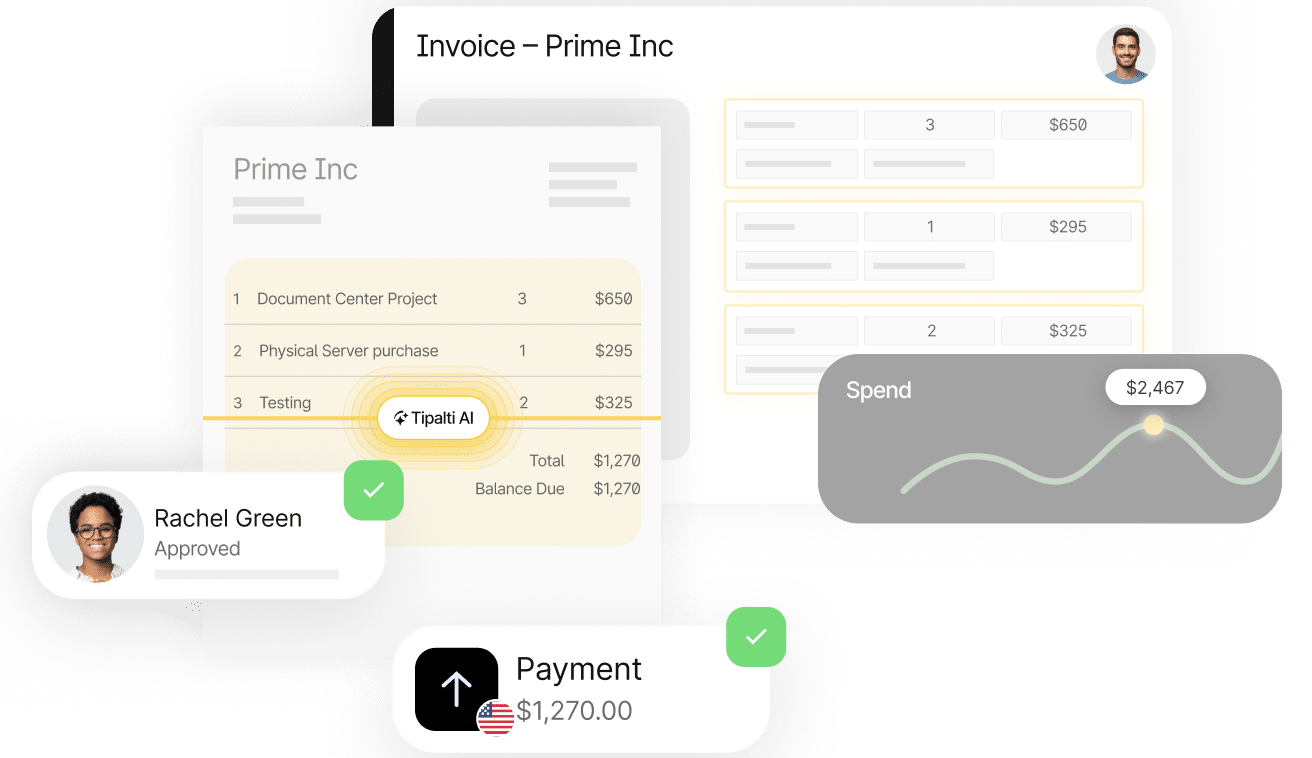
Check that the automated invoice matches your ERP data. Ensure tax rates, line items, and payment terms are accurate. Confirm the format meets local mandates, such as the 2026 e-invoicing requirements in Europe.
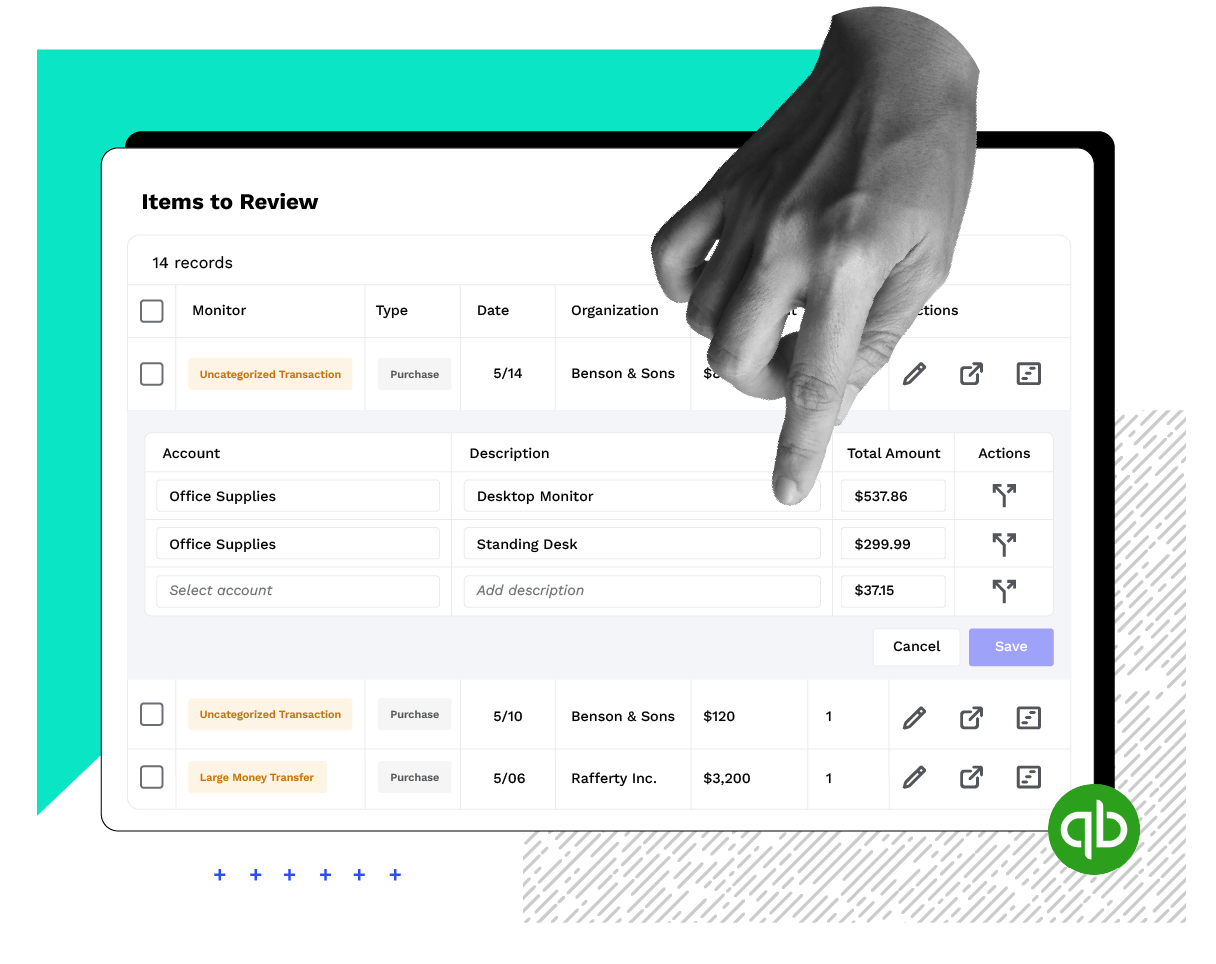
Trigger a test payment via your configured channels (ACH, wire, or card). Verify that the system automatically matches the incoming payment to the open invoice and updates the ledger status.
Intentionally introduce a mismatch, such as a partial payment or a wrong amount. Ensure the system flags the exception and routes it to the correct approval queue for manual review.
No comments yet. Be the first to share your thoughts!