
Pick the right AI invoicing software
Choosing the right AI invoicing software 2026 requires matching your team’s volume and existing tech stack. The market has shifted from simple PDF generators to platforms that handle contract intelligence, automated reminders, and real-time payment tracking. Your goal is to reduce manual data entry while ensuring your finance team can focus on strategic work rather than chasing overdue payments.
When evaluating options, look for tools that integrate directly with your current accounting system. Whether you use QuickBooks Online, Xero, or a custom ERP, the software should sync data automatically to prevent double-entry errors. For B2B companies, prioritize platforms that support milestone billing and recurring services, as these features streamline complex revenue recognition.
The following comparison highlights top contenders based on feature depth, pricing models, and ideal company size. This table helps you quickly identify which tool aligns with your operational needs.
| Tool | Pricing Model | Ideal For | Key Feature |
|---|---|---|---|
| Sai by Simular | Usage-based | Mid-market B2B | End-to-end AI workflow |
| QuickBooks Online | Subscription | Small business accounting | Native accounting sync |
| Digits | Subscription | Freelancers & SMBs | Automated payment reminders |
| Rossum | Enterprise | High-volume AP teams | Advanced data capture |
| HubSpot AI GPT | Freemium | Service-based startups | Template generation |
If you are looking for specific hardware or accessories to support your new workflow, such as document scanners for physical invoices or secure storage devices, you might find relevant tools in the marketplace.


As an Amazon Associate, we may earn from qualifying purchases.
Configure smart invoice templates
Smart invoice templates are the foundation of any effective AI invoicing software 2026 implementation. Rather than static PDFs, these dynamic documents allow your system to automatically populate fields like client details, line items, and tax calculations based on the transaction data. This ensures consistency across B2B transactions while reducing the manual entry that leads to errors.
Define your core brand and data fields
Start by establishing a clean, professional base template that reflects your brand identity. Most AI invoicing platforms allow you to upload logos, set primary colors, and choose typography that matches your company guidelines. Beyond aesthetics, you need to map out the essential data fields required for your specific business model. Identify which variables change per invoice—such as project codes, service descriptions, or recurring billing cycles—and ensure your template structure can handle this variability without breaking the layout.
Set up AI data extraction rules
The real power of AI invoicing software 2026 lies in its ability to learn and predict. Configure your template to recognize common patterns in your incoming data. For example, if you frequently bill for specific software licenses or hourly consulting rates, train the AI to auto-fill these line items when it detects corresponding keywords in your internal records. This reduces the need for manual intervention and ensures that data extraction is accurate from the start. Digits, for instance, generates branded invoices in seconds by leveraging these automated data pathways, significantly speeding up the billing cycle.
Test with sample transactions
Before deploying your templates to live clients, run a series of test invoices using historical data. This step is critical for verifying that the AI correctly interprets your data extraction rules and applies the correct tax rates and discounts. Check for formatting issues, such as line items wrapping incorrectly or currency symbols appearing in the wrong place. A well-configured template should handle edge cases, like partial payments or multi-currency transactions, without requiring manual adjustments.
Enable automated reminders and tracking
Finally, integrate payment tracking and reminder settings directly into your template workflow. AI invoicing systems can automatically send polite follow-up emails when a payment is due or overdue, based on the terms defined in your template. This not only improves cash flow but also removes the awkwardness of chasing payments. By linking your template to these automated triggers, you create a seamless billing experience that keeps your finances organized and your clients informed.
Connect your payment gateways
Linking your AI invoicing software 2026 to your payment processors turns a static invoice into a live financial instrument. Without this connection, your AI can only draft bills; it cannot track payments or reconcile accounts automatically. The goal is to create a direct data bridge between your software and the bank accounts or digital wallets where your clients pay.

Navigate to the integrations or settings panel in your AI invoicing software 2026. Look for options labeled "Bank Feeds," "Payment Gateways," or "Connect Account." Most modern platforms support direct API connections to major providers like Stripe, PayPal, or direct bank feeds via Plaid. Follow the OAuth prompts to grant your software read-only access to transaction data. This allows the system to see incoming payments without exposing your login credentials.
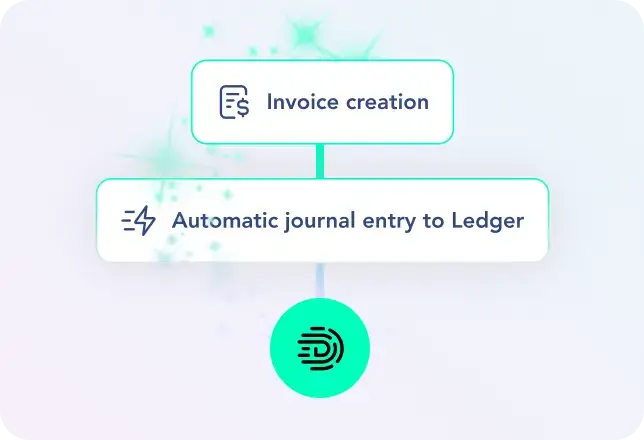
Once connected, define how your software should match incoming payments to outstanding invoices. Enable AI-driven matching if available, which uses amount, date, and client name to auto-categorize transactions. For manual overrides, set up rules for partial payments or multi-invoice batches. This step is critical for reducing manual reconciliation, as the AI learns from your corrections to improve future matching accuracy.
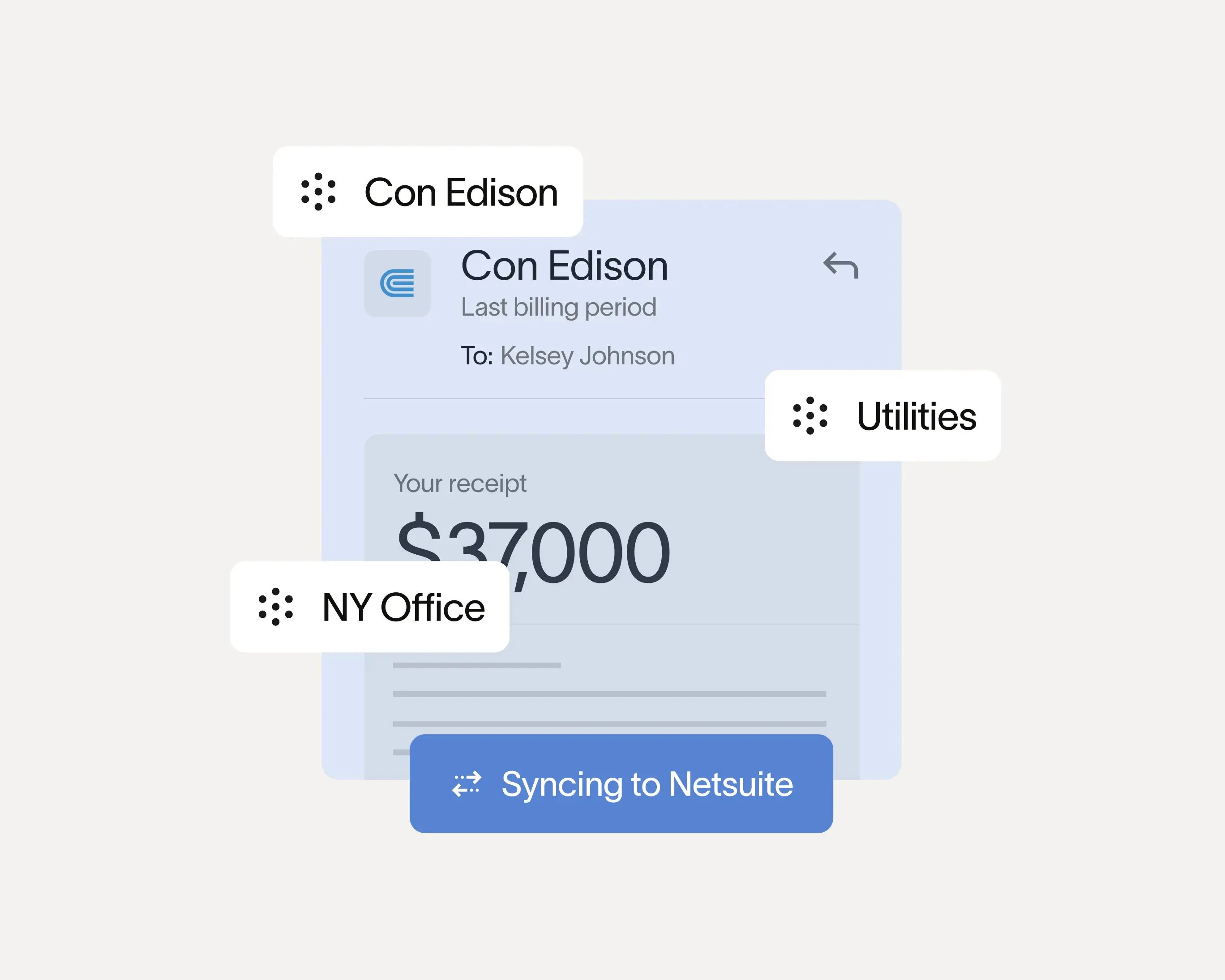
Configure automated triggers for payment events. When a payment is detected, the software should automatically send a receipt to the client and update the invoice status to "Paid" in your ledger. You can also set up alerts for failed payments or overdue balances. This ensures your records are always current and reduces the administrative burden of chasing down confirmation emails.
By integrating these gateways, your AI invoicing software 2026 shifts from a document generator to a comprehensive financial hub. This setup minimizes the risk of human error in data entry and provides real-time visibility into your cash flow, allowing you to focus on growth rather than administration.
Set up automated reminders
Manual follow-ups are the primary reason days sales outstanding (DSO) drifts higher. AI invoicing software 2026 eliminates this friction by triggering communications based on invoice age rather than human memory. Configure these rules to maintain cash flow without damaging client relationships.
Start by defining your reminder schedule. Most platforms allow you to set specific triggers, such as a polite nudge three days before the due date and an urgent notice on the day of payment. Use the software’s AI capabilities to personalize the tone based on client history. For example, the system can send a friendly check-in to a long-term client with a perfect payment record, while automatically flagging overdue accounts for manual review.
Enable automated payment links in every reminder. Reducing the number of clicks required to pay significantly increases conversion rates. Ensure your AI invoicing software 2026 integrates directly with your payment gateways so that when a client clicks the link, the transaction is recorded and the invoice status updates in real-time. This closed-loop system removes the need for you to manually reconcile payments after each reminder.
Validate AI accuracy and compliance
Before sending an invoice, you must verify that the AI invoicing software 2026 has captured the data correctly and adheres to local tax regulations. Automated extraction is powerful, but it is not infallible. A single digit error in a tax ID or a misclassified expense line can trigger audits or payment delays.
Audit extracted data
Review the extracted fields against the original document. Check for common AI hallucinations, such as merged lines, swapped dates, or incorrect currency symbols. Most platforms flag low-confidence scores; treat these as mandatory review items. Do not rely on the system to auto-approve these entries.
Verify tax and regulatory compliance
Ensure the software correctly applies regional tax rates and e-invoicing formats. Regulations vary significantly by jurisdiction. For example, some regions require specific QR codes or government-mandated XML structures. If your AI invoicing software 2026 handles e-invoicing, confirm it supports the specific compliance standards for your target markets. Touchless processing is only safe if the underlying data is legally sound.
Final manual check
Perform a final spot-check on high-value invoices. Even with 99.9% accuracy rates reported by top vendors, the 0.1% error margin can be costly. A quick human review acts as a safety net, ensuring that your finance team maintains trust with clients and regulators.
Frequently asked: what to check next
Can AI be used for invoicing?
Yes. AI invoice processing systems handle large volumes with minimal human involvement. Finance teams can focus on strategic work instead of repetitive tasks, leading to higher productivity and fewer errors. AI also automates invoice validation and verification to ensure compliance.
Which AI is best for creating invoices?
The AI Invoice Generator GPT excels at creating variations for different business scenarios, including project-based billing, recurring services, product sales, and milestone payments. Create a library of invoice templates for every client situation.
What matters most in AI invoicing software 2026?
Evaluation criteria include contract intelligence and pricing flexibility. Look for tools that integrate seamlessly with your existing accounting stack and offer end-to-end automation for both incoming and outgoing invoices.
No comments yet. Be the first to share your thoughts!