
Map your current invoice workflow
Before selecting automation software, you need a clear picture of how invoices move through your organization today. Start by tracing the path from order entry to final payment. This audit reveals where manual data entry and approval chains create bottlenecks.
Document every handoff. Identify which teams touch the invoice, which systems are used, and where approvals are required. Look for repetitive tasks like re-keying data from PDFs or emails into your ERP. These manual steps are the biggest sources of error and delay.
Once you have mapped the process, list the specific pain points. Are invoices getting stuck in email inboxes? Are approvals taking too long because the right person is unavailable? Quantify the time spent on each step. This baseline data will help you measure the return on investment when you implement automation.
Select compliant automation software
By 2026, regulatory mandates like Poland’s KSeF and Belgium’s PEPPOL integration are shifting B2B invoicing from a back-office task to a compliance requirement. Choosing the right platform is no longer just about speed; it is about structural integrity. Your software must handle structured data formats automatically to avoid rejection by government portals.
Start by verifying the platform’s compliance engine. Does it natively support the specific e-invoicing standards required in your operating regions? Look for built-in validation that checks data against regulatory schemas before submission. This prevents the manual rework that often defeats the purpose of automation.
Next, evaluate the AI validation layer. Modern B2B invoicing automation relies on machine learning to extract line items and match them against purchase orders. The best systems reduce human intervention by flagging discrepancies in real time. This ensures that the invoice data entering your ERP is accurate and audit-ready.
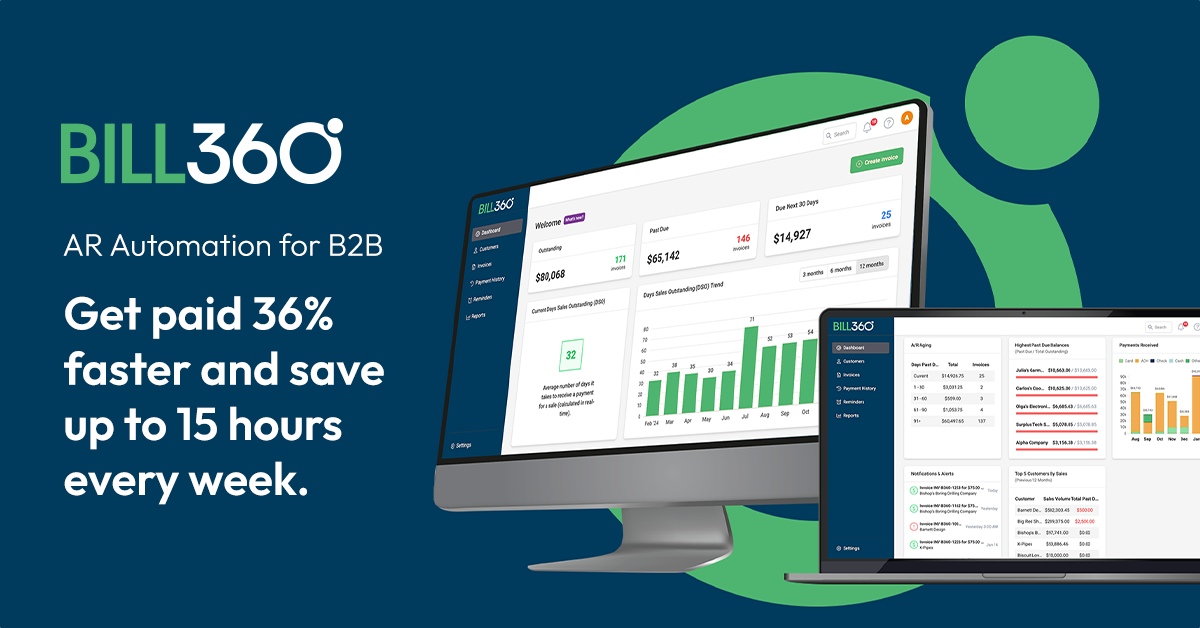
The table below compares how leading platforms handle these critical compliance and validation features. Use this to filter out tools that treat e-invoicing as an afterthought rather than a core infrastructure component.
| Platform | Regulatory Compliance | AI Validation | Cross-Border Support |
|---|---|---|---|
| Bill360 | PEPPOL, KSeF, ZATCA | High (Line-item extraction) | Native multi-currency |
| Stripe Billing | Regional tax engines | Low (Rule-based) | Strong (Stripe Tax) |
| Chargebee | VAT/GST tax automation | Medium (Data matching) | Global tax compliance |
| LedgerUp | PEPPOL, ZATCA, KSeF | High (Auto-matching) | Multi-country hubs |
Configure AI-driven validation rules
AI-driven validation automates the matching of incoming invoices against purchase orders and contracts. This process relies on agentic AI to extract data, verify line items, and flag discrepancies before human review. Configuring these rules requires defining the logic for matching, setting tolerance thresholds, and establishing exception workflows.
Start by connecting your AI agent to the primary data sources: purchase orders (POs) and contracts. Configure the system to match invoice line items against PO quantities and unit prices. For contract-based billing, map specific contract clauses to invoice descriptions. This ensures the AI validates charges against agreed-upon terms rather than just PO totals.
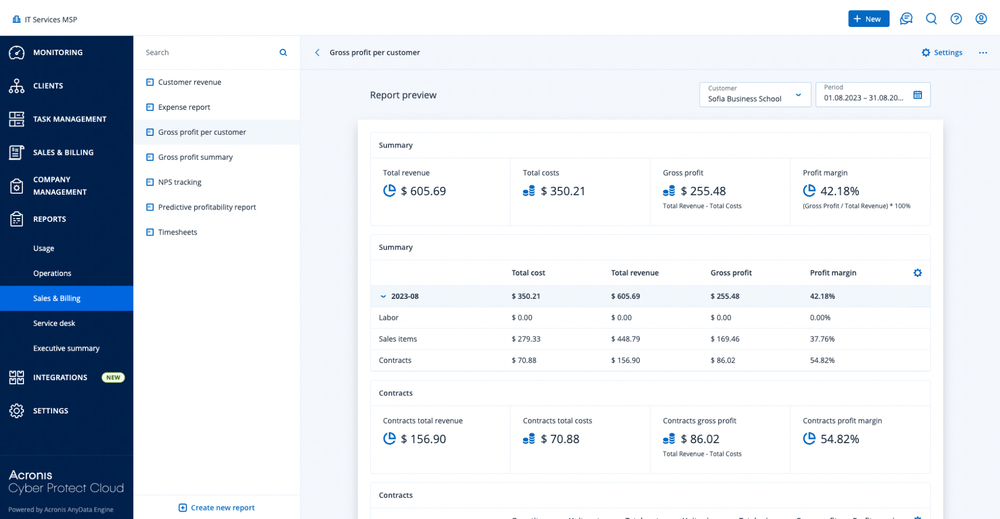
Define acceptable variance limits for price and quantity mismatches. For example, set a 1% tolerance for price fluctuations due to currency exchange or a small quantity buffer for bulk deliveries. Any variance exceeding these thresholds should automatically trigger a hold status. This prevents the AI from auto-approving significant errors while allowing minor, common discrepancies to pass through.
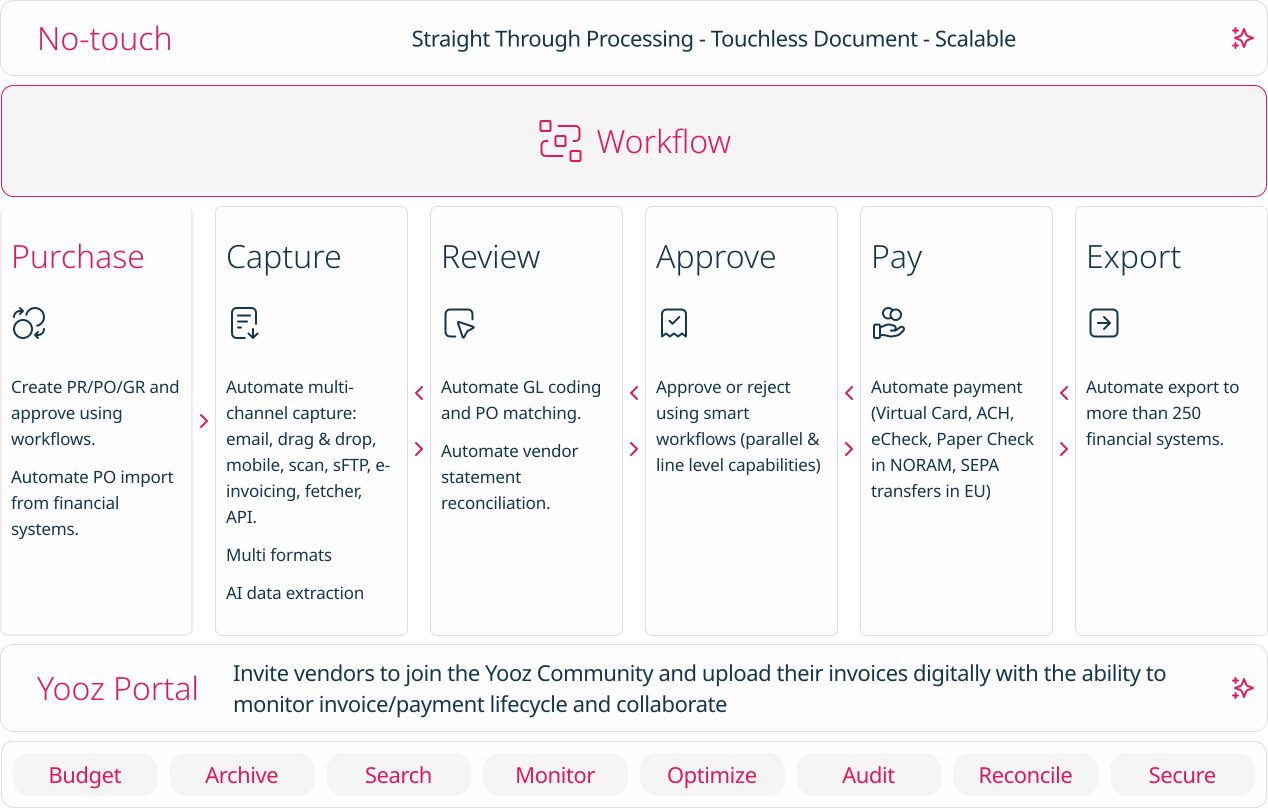
When the AI detects a mismatch beyond the set tolerance, it must route the invoice to a specific review queue. Configure the exception handler to tag the invoice with the specific reason for rejection (e.g., "Price Variance," "Missing PO"). Assign these exceptions to the appropriate AP team members or managers based on the invoice amount or vendor type. This ensures that human intervention is focused only on high-risk or complex cases.
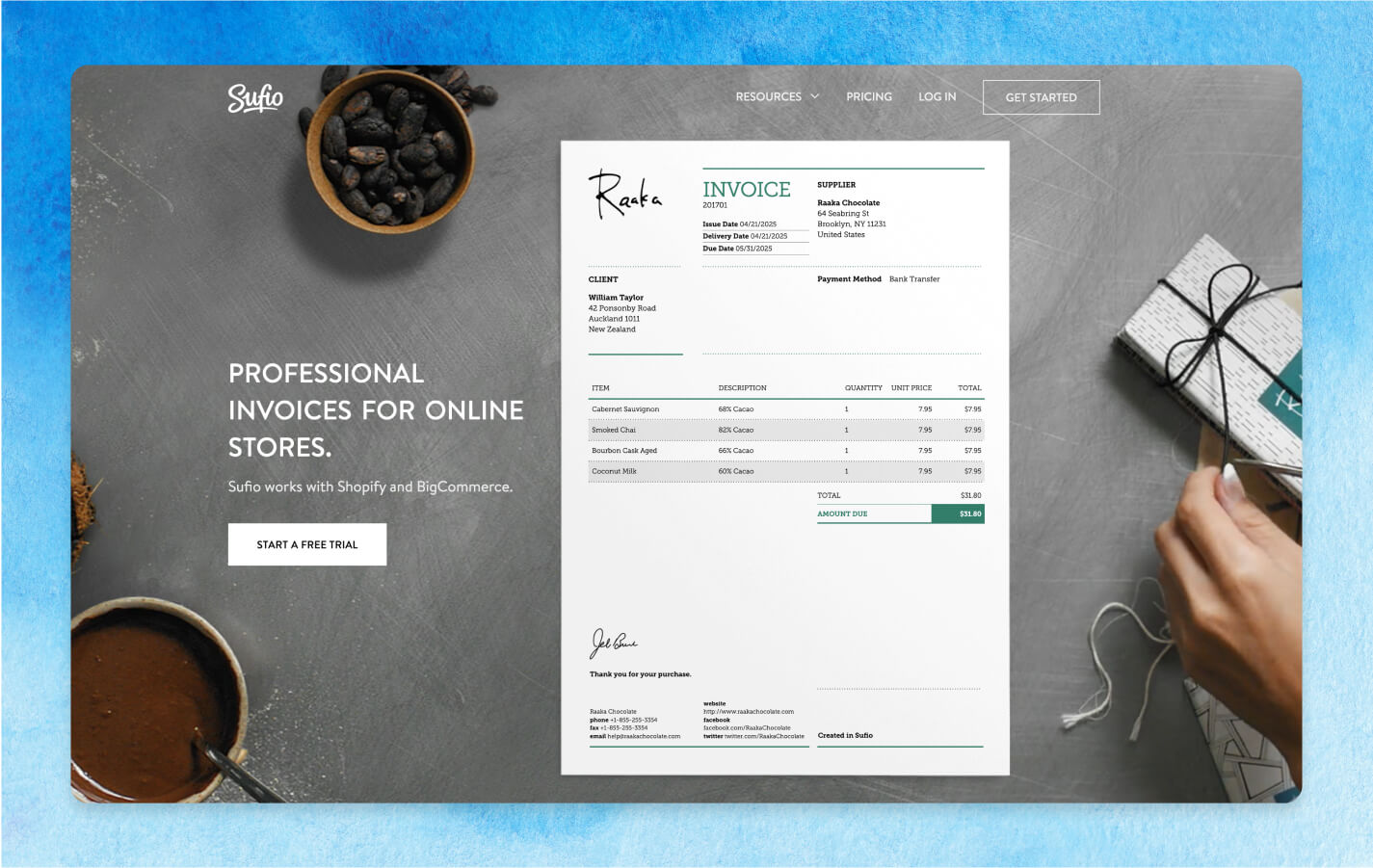
Before going live, run your configured rules against a dataset of past invoices. This validation step helps identify false positives where the AI flags valid invoices as exceptions. Adjust the matching logic and tolerance thresholds based on these test results to ensure the AI accurately distinguishes between legitimate variances and actual errors.
Proper configuration of these validation rules is critical for maintaining accuracy in B2B invoicing automation. By automating the initial validation, you reduce manual processing time and minimize the risk of overpayments or compliance issues. As the market for invoice automation grows, implementing these steps ensures your system remains robust against new e-invoicing mandates and complex contract structures.
Integrate cross-border payment rails
Connecting your invoicing system to the right payment rails is the final step in reducing Days Sales Outstanding (DSO) for international clients. By automating the transition from invoice generation to settlement, you eliminate manual reconciliation and currency conversion delays.
1. Select the appropriate rail
Choose between traditional SWIFT networks for fiat currencies or stablecoin rails for faster, lower-cost settlement. SWIFT is the standard for large institutional transfers but can take 3-5 days to clear. Stablecoins like USDC offer near-instant settlement, often reducing cross-border payment times to minutes, which is increasingly relevant for 2026 B2B payment trends TreviPay.
2. Configure API connections
Use your accounting software’s API to establish a direct link with your payment processor or banking partner. This ensures that invoice data flows automatically into the payment request without manual entry. Ensure your system supports multi-currency accounts to hold funds in the client’s local currency before conversion.
3. Set up automated reconciliation
Configure your system to match incoming payments with open invoices automatically. When a payment clears, the system should update the invoice status to "Paid" and trigger the next step in your order-to-cash workflow. This removes the need for accounts receivable teams to manually search for matching transactions.
4. Test the end-to-end flow
Run a simulation with a small internal transaction to verify that the invoice triggers the payment request, the funds clear, and the ledger updates correctly. Check for any discrepancies in exchange rates or fees that might affect the final amount received.
Audit and validate the new system
Before going live, run a structured test suite to confirm that your B2B invoicing automation meets 2026 regulatory mandates and internal accuracy standards. Mandatory e-invoicing frameworks, such as Belgium’s PEPPOL requirement starting January 1, 2026, demand strict adherence to structured data formats and validation rules [src-serp-7]. A failed audit can result in rejected submissions or compliance penalties, making this verification step non-negotiable.
Begin by testing data integrity across your order-to-cash (O2C) pipeline. Verify that line items, tax codes, and customer identifiers map correctly from your ERP to the invoicing engine. Pay special attention to mandatory fields required by regional e-invoicing mandates to ensure your structured invoices are accepted by government portals or peer-to-peer networks.
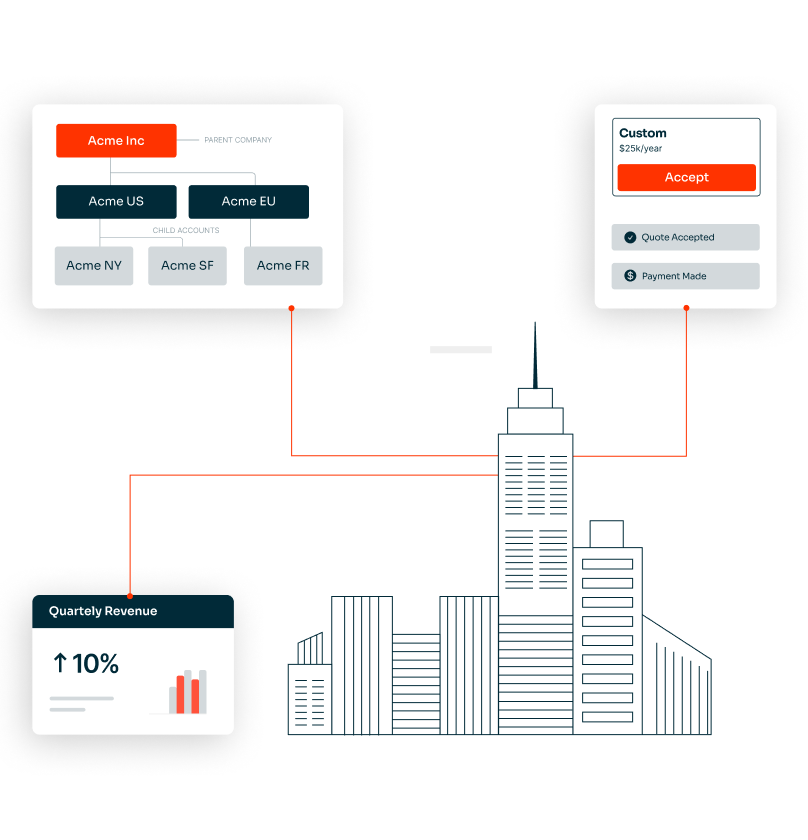
Next, validate payment flows and reconciliation logic. Process test invoices through your payment gateways and confirm that cash application updates your general ledger automatically. Check that exception handling works correctly for partial payments or discrepancies, ensuring your finance team is alerted rather than losing track of the transaction.
- Regulatory Compliance: Confirm invoice formats match current 2026 e-invoicing standards for all operating regions.
- Data Accuracy: Verify tax calculations, currency conversions, and customer master data sync.
- Payment Reconciliation: Test end-to-end payment processing and ledger updates.
- Exception Handling: Validate alerts for failed submissions, duplicate invoices, or payment mismatches.
- Security & Access: Review user permissions and audit trails for compliance with data protection laws.
No comments yet. Be the first to share your thoughts!